
Computer Virus & Malware Removal
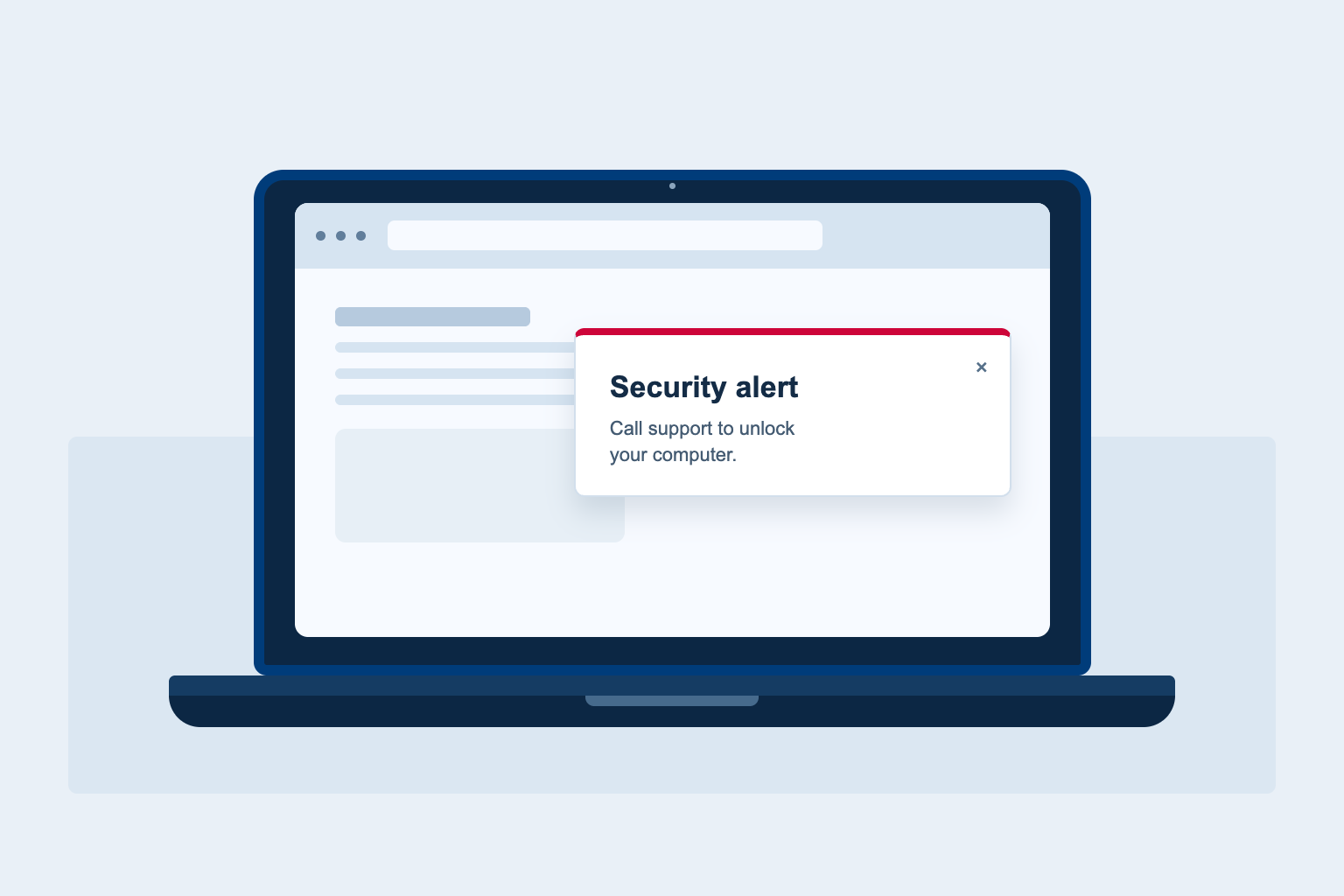
Bring your Windows laptop or desktop to Gizmo Pros for help with pop-ups, browser redirects, or threats that keep coming back. Visit Wesley Chapel, Holiday, or Hudson, Florida.
What our computer repair customers say
“They fixed my Apple MacBook Pro in just a day’s time and were very professional.”
“Best phone and computer repair in Holiday, highly recommended!!”
Why choose Gizmo Pros for malware removal?
- Pay for the repair your PC needs
- Some pop-ups come from a browser setting. A threat that returns after a restart needs a closer look. The free diagnostic helps us quote the right work.
- We’ll beat a comparable local price by $10
- Bring a local competitor’s lower published price for the same repair.
- Talk through your files before a reinstall
- Tell us what you need to keep. If we recommend reinstalling Windows, we’ll discuss backup options and what a reinstall means for your apps before you approve it.
Owner and lead technician
CompTIA A+ certified
How virus and malware removal works
Diagnose the problem
For browser redirects, we look at extensions, notification permissions, and search settings. For Windows alerts, we can check Protection history, recent installs, and startup apps, then run a security scan.
Clean up the cause
Depending on what we find, we can remove unwanted extensions or programs, restore browser settings, or quarantine detected files. Stubborn infections may require an offline scan or a Windows reinstall.
Restart and test
We check whether the problem returns after a restart. That may mean testing the affected browser again or running a follow-up scan for the threat Windows reported.
The diagnostic is free. Your quote and pickup estimate depend on what the technician finds.
Choose a Gizmo Pros shop
Book online or call the shop closest to you. Bring the PC, its charger if it’s a laptop, and a photo of the warning if you have one.
Wesley Chapel
30028 County Line Rd
Wesley Chapel, FL 33543Holiday
3340 US-19
Holiday, FL 34691Hudson / Bayonet Point
7039 State Rd 52
Bayonet Point, FL 34667
Before you bring in your computer
Should I call the number on a virus warning?
Close the browser tab or window without clicking the warning. If the alert keeps coming back, take a photo and call the shop using one of the numbers above.
What if someone already had remote access?
Disconnect the affected PC from Wi-Fi or Ethernet. From a trusted device, change any exposed passwords and contact your bank if you shared payment information. Tell the technician what access you gave the caller.
What should I do if this is a work or school computer?
If an IT team manages the device, contact them before bringing it in. They may need to check your account or follow their own security procedures.
For other issues, see our computer repair services.