As an electronics repair technician who’s diagnosed countless console issues, I’ve seen similar problems more times than I can count. Borderlands 3 on Xbox Series S has some well-known stability issues, but most of them can be fixed without a trip to the repair shop. Here’s what’s actually causing the crashes and how to stop them.
Here’s Why Borderlands 3 Keeps Crashing on Xbox Series S
Before jumping into fixes, understanding what’s causing the crashes helps you target the right solution. The Xbox Series S has a well-documented issue with Borderlands 3 that stems from memory allocation problems.
The Series S has 10GB of RAM compared to the Series X’s 16GB. Borderlands 3 is a resource-intensive game with detailed environments, particle effects, and constant explosions. When the game demands more video memory than the console can allocate, you’ll often see an “Out of video memory” error or experience a sudden crash to the dashboard.
Here are the most common triggers for crashes:
- VRAM overload: The game’s memory usage builds up during extended play sessions, eventually exceeding what the Series S can handle.
- Cosmetic DLC conflicts: This is a big one. Bonus cosmetic packs and boost mods are notorious for causing stability issues on Xbox.
- Corrupted cache data: Temporary files accumulate and can cause performance problems over time.
- Overheating: When the console gets too hot, it will shut down games to protect internal components. If you’re noticing your Xbox Series S keeps overheating, this could be contributing to your crashes.
- Hot fix not loading: Borderlands 3 applies temporary patches when connected to the internet. If you’re playing before these download, you might encounter known bugs.
Proven Fixes for Borderlands 3 Crashes
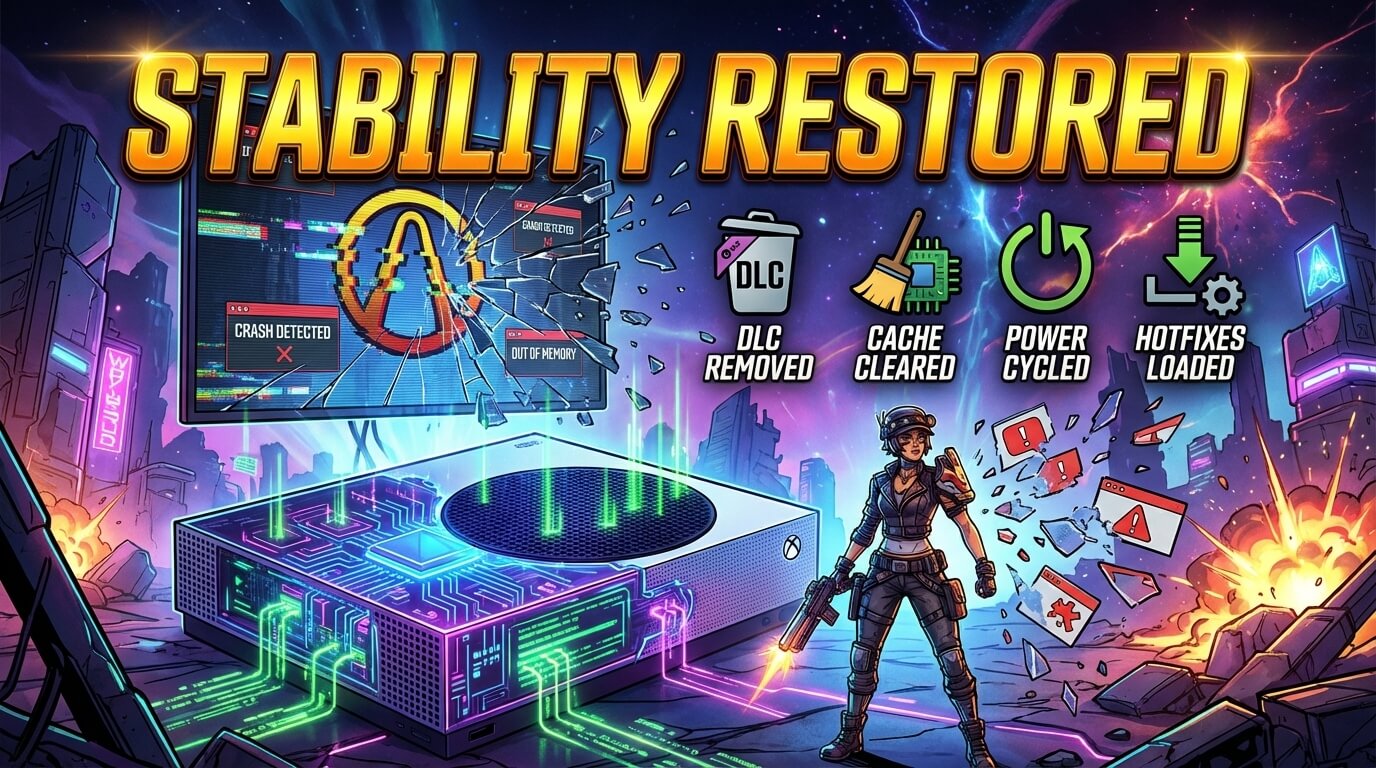
Work through these solutions in order. Start with the quick fixes first—they resolve the majority of crashing issues.
1. Remove Cosmetic DLC Packs
This fix has worked for a significant number of players experiencing crashes. The cosmetic DLC packs—particularly the boost mods and extra skin packs—seem to create memory conflicts on the Series S.
How to remove cosmetic DLC:
- Go to My Games & Apps
- Select Borderlands 3
- Press the Menu button and select Manage game & add-ons
- Look for items labeled “Cosmetic Pack,” “Boost Mod,” “Retro Cosmetic Pack,” “Neon Cosmetic Pack,” or “Gearbox Cosmetic Pack”
- Uninstall these items
- Restart the game and test stability
Keep your story DLC installed—the issue is specifically with the cosmetic and boost packs. Players have reported going from constant crashes to stable gameplay sessions after removing these.
2. Clear Your Xbox Cache
Corrupted cache data is a common culprit behind game crashes. The Xbox Series S doesn’t have a dedicated “clear cache” button, but you can accomplish this through a soft reset.
Soft reset method:
- Press the Xbox button to open the guide
- Navigate to Profile & System > Settings > System > Console Info
- Select Reset Console
- Choose “Reset and keep my games & apps”
This process clears temporary data without deleting your games or saves. Your console will restart, and you’ll need to sign back in.
3. Power Cycle Your Console
A full power cycle clears the system’s short-term memory more thoroughly than a standard restart. This is especially useful if you frequently use Quick Resume.
- Hold the power button on the console for 10 seconds until it shuts off completely
- Unplug the power cable from the back of the console
- Wait at least 2 minutes
- While unplugged, press the power button a few times to drain any remaining power
- Reconnect the power cable and turn on the console
- Launch Borderlands 3 and test
Many players find that power cycling before each extended session prevents crashes from occurring.
4. Wait for Hot Fixes to Load
Borderlands 3 uses temporary hot fixes that download when you connect to the internet. These patches address various bugs and stability issues, but they’re stored in memory—not permanently installed.
To ensure hot fixes load properly:
- Launch the game while connected to the internet
- Wait at the title screen for at least 30-60 seconds before loading your character
- Look for a sign that reads “Hotfixes Applied” on the sign behind your character
If you rush past the title screen before hot fixes download, you’re playing with unfixed bugs that could cause instability.
5. Disable Quick Resume for Borderlands 3
Quick Resume is convenient, but it can cause issues with games that rely on server connections and hot fixes. Borderlands 3 may behave erratically when resumed from a suspended state.
To remove Borderlands 3 from Quick Resume, press the Xbox button while in the game, highlight the game tile in the guide, press Menu, and select “Remove from Quick Resume.” Going forward, fully close the game when you’re done playing rather than relying on suspend.
6. Reinstall the Game
If the above fixes don’t work, a clean reinstall can resolve corrupted game files. Borderlands 3 is a large download (around 75GB), so this is best done when you have time to spare.
Before uninstalling:
- Your save data is stored in the cloud, so you won’t lose progress
- Make sure you’re signed in and your saves are synced before uninstalling
Reinstall steps:
- Go to My Games & Apps > Borderlands 3
- Press Menu > Uninstall > Uninstall all
- Restart your console
- Reinstall the game from your library
- When reinstalling, skip the cosmetic DLC packs to avoid the issue recurring
Is It a Console Hardware Problem?
Sometimes crashes aren’t caused by the game at all. If you’re experiencing crashes across multiple games, the problem likely lies with your Xbox rather than Borderlands 3 specifically.
Signs that indicate a hardware issue:
- Other games also crash frequently
- Your console makes unusual clicking or grinding noises
- You see graphical glitches or artifacts on screen
- The console crashes to a completely powered-off state (not just returning to dashboard)
Note: Experiencing controller connectivity issues? If your Xbox controller has stick drift, that’s a separate issue, but worth addressing
If you suspect hardware problems, it’s worth getting a professional assessment. Console repairs are often more affordable than replacement, and catching problems early can prevent more serious damage. For reference, you can check out typical Xbox Series S repair costs to understand what repairs might involve.
The Reality About This Issue
Let’s be honest: Borderlands 3’s optimization on Xbox Series S isn’t great. The game was originally developed for Xbox One and PS4, and while it received a current-gen update, players have reported persistent stability issues that haven’t been fully addressed by Gearbox.
2K Games has acknowledged the issue and stated they’re “investigating” problems some Xbox Series S players experience. However, a definitive patch hasn’t materialized years after these problems were first reported.
The fixes above work for most players, but some will still experience occasional crashes even after trying everything. In these cases, taking breaks every hour or so and power cycling the console between sessions tends to minimize the frequency of crashes.
Frequently Asked Questions
Why does Borderlands 3 crash more on Xbox Series S than Series X?
The Series S has less RAM (10GB vs 16GB) and a less powerful GPU. Borderlands 3’s VRAM usage can exceed what the Series S allocates, causing memory-related crashes. The Series X handles the game’s resource demands more comfortably.
Will deleting cosmetic DLC affect my character’s appearance?
If you’re using cosmetics from those packs, your character will revert to default appearances for those items. However, any cosmetics you’ve earned through gameplay or purchased separately will remain.
Does Borderlands 3 crash during multiplayer more than single player?
Yes, many players report more crashes during online co-op sessions. The additional players, loot, and effects increase memory usage. If multiplayer is particularly unstable, try joining games from Sanctuary rather than the main menu, as some players have found this more reliable.
Can a factory reset fix Borderlands 3 crashes?
A full factory reset (which erases everything) should only be a last resort. In most cases, the soft reset that preserves your games is sufficient. A full reset addresses deeper system issues but requires redownloading all your games.
Is it safe to keep playing if the game crashes frequently?
Game crashes themselves won’t damage your console. However, if crashes are caused by overheating, continued play without addressing the heat issue could potentially cause long-term damage. Make sure your console is well-ventilated and not running too hot.
When to Get Professional Help
If you’ve tried all the software fixes and your Xbox Series S still crashes—whether playing Borderlands 3 or other games—there may be an underlying hardware problem worth investigating.
At Gizmo Pros, we specialize in console diagnostics and repair. Our technicians can identify issues like failing thermal paste, dust-clogged cooling systems, or other hardware problems that cause game crashes. We have locations in Wesley Chapel, Holiday, and Hudson, Florida, with most repairs completed while you wait.
All our repairs come with a 90-day warranty, and we’ll match any local competitor’s published price and beat it by $10. If your Xbox has been giving you trouble beyond just Borderlands 3, it might be time for a professional look.
Final Thoughts
Borderlands 3 crashing on Xbox Series S is a frustrating but manageable problem. Start by removing cosmetic DLC packs—that single fix resolves the issue for many players. Follow up with cache clearing and power cycling for the best results.
The reality is that this game has optimization issues on the Series S that haven’t been fully patched. But with the right workarounds, you can still enjoy vault hunting without constant interruptions. And if your console itself is the problem, professional repair is usually faster and cheaper than replacement.