In this guide I’ll break down what a charging port repair actually costs for the iPad 7, 8, 9, 10, and 11, how to tell whether it’s really the port (and not the battery or cable), and what you can try yourself before booking a repair.
Signs Your iPad’s Charging Port Is the Problem
Before you spend money on a new charger or assume the tablet is done for, check for these tell-tale signs. In my experience, if two or more of these apply, the port is almost always the issue:
- The iPad only charges if you hold the cable at a specific angle
- Nothing happens at all when you plug it in, no charging icon, no response
- Charging is inconsistent and stops the moment the iPad is moved
- You can see lint, dust, or a greenish residue inside the port
- The connector feels loose or wiggly when the cable is inserted
If instead your iPad does charge but takes noticeably longer than it used to, that’s a different animal, worth reading our guide on why an iPad takes a long time to charge before assuming the port needs replacing.
What Actually Damages an iPad Charging Port
Charging ports don’t usually fail out of nowhere. In the shop, the most common causes we see are:
- Lint and pocket debris are the single biggest cause, especially on iPads that travel in bags
- Bent or damaged pins from cheap, off-brand cables forced in at the wrong angle
- Liquid exposure, even a small splash, can corrode the internal contacts over time
- Repeated wear from years of daily plugging and unplugging
- Forcing the cable in upside down, which stresses the connector pins
iPad Charging Port Repair Costs in 2026
Pricing depends on the model, mainly because iPad 10 and 11 use a redesigned USB-C port assembly that’s a bit more involved to replace than the Lightning ports on the iPad 7, 8, and 9. Here’s what it costs at Gizmo Pros:
| iPad Model | Connector Type | Charging Port Repair Cost |
|---|---|---|
| iPad 7th Gen | Lightning | $89 |
| iPad 8th Gen | Lightning | $89 |
| iPad 9th Gen | Lightning | $89 |
| iPad 10th Gen | USB-C | $109 |
| iPad 11th Gen | USB-C | $109 |
Every repair includes a free diagnostic, genuine-quality parts, and our 90-day limited warranty against defects. And we’ll always match a local competitor’s published price and beat it by $10.
Not near one of our Florida shops? Ship your iPad to us and we’ll fix it and send it back within 2–4 business days via free standard shipping (next-day return is available for a small fee).
Is It the Port, or Could It Be the Battery?
A dead port and a dying battery can look surprisingly similar to someone who isn’t taking the case apart every day. A couple of quick ways to tell them apart:
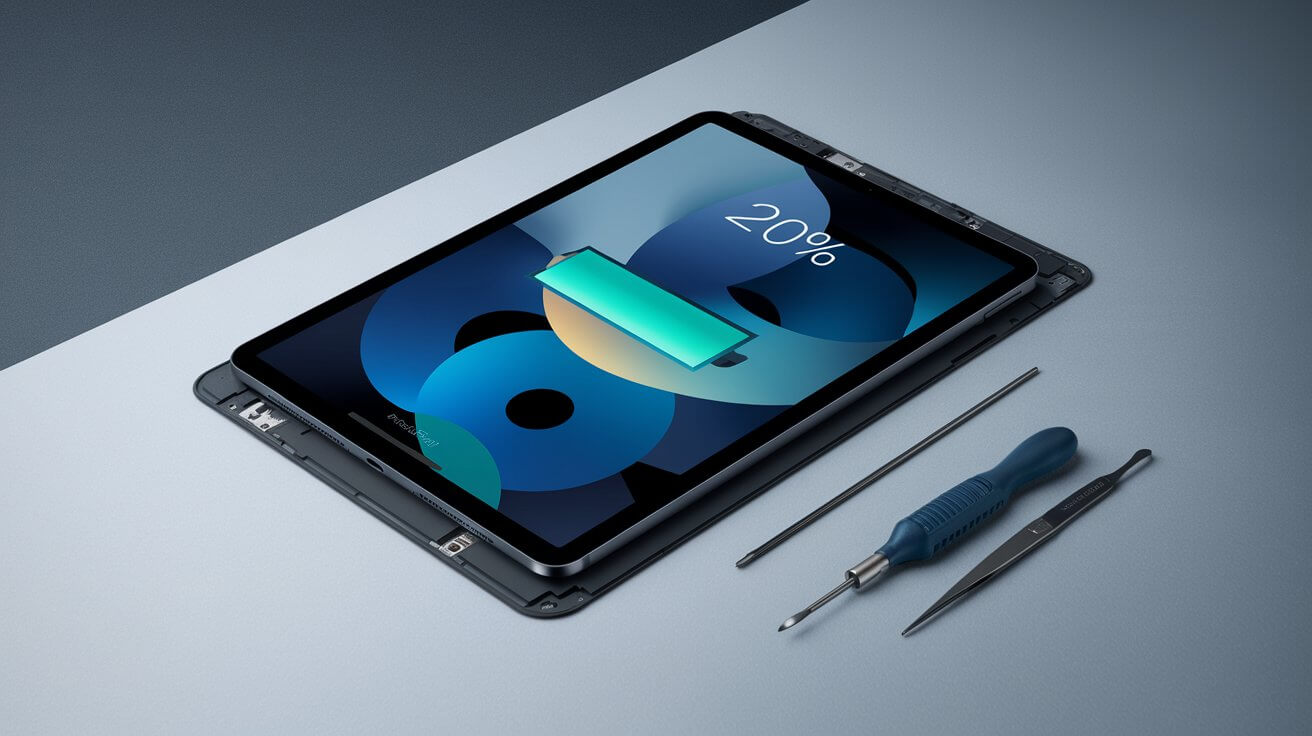
- If the iPad charges fine but drains unusually fast or shuts off at 20-30% battery, that’s typically a battery issue rather than a port problem. Our iPad battery replacement cost guide breaks down pricing by model.
- If the iPad gets noticeably warm while plugged in, especially around the back or near the port, that can point to either a battery under strain or a charging circuit issue. We cover the common causes in our article on why an iPad overheats.
Honestly, the fastest way to know for sure is a free diagnostic. We test the port, the battery, and the charging circuit before quoting you anything.
What About the iPad Mini?
The pricing above is specific to the standard iPad lineup. If you’re dealing with a charging issue on an iPad mini, the port design and repair cost are different. Check our iPad mini repair cost guide for accurate pricing on that model.
Before You Book a Repair: Quick Things to Try
Not every charging problem needs a new port. These take five minutes and cost nothing:
- Power off the iPad before doing anything to the port
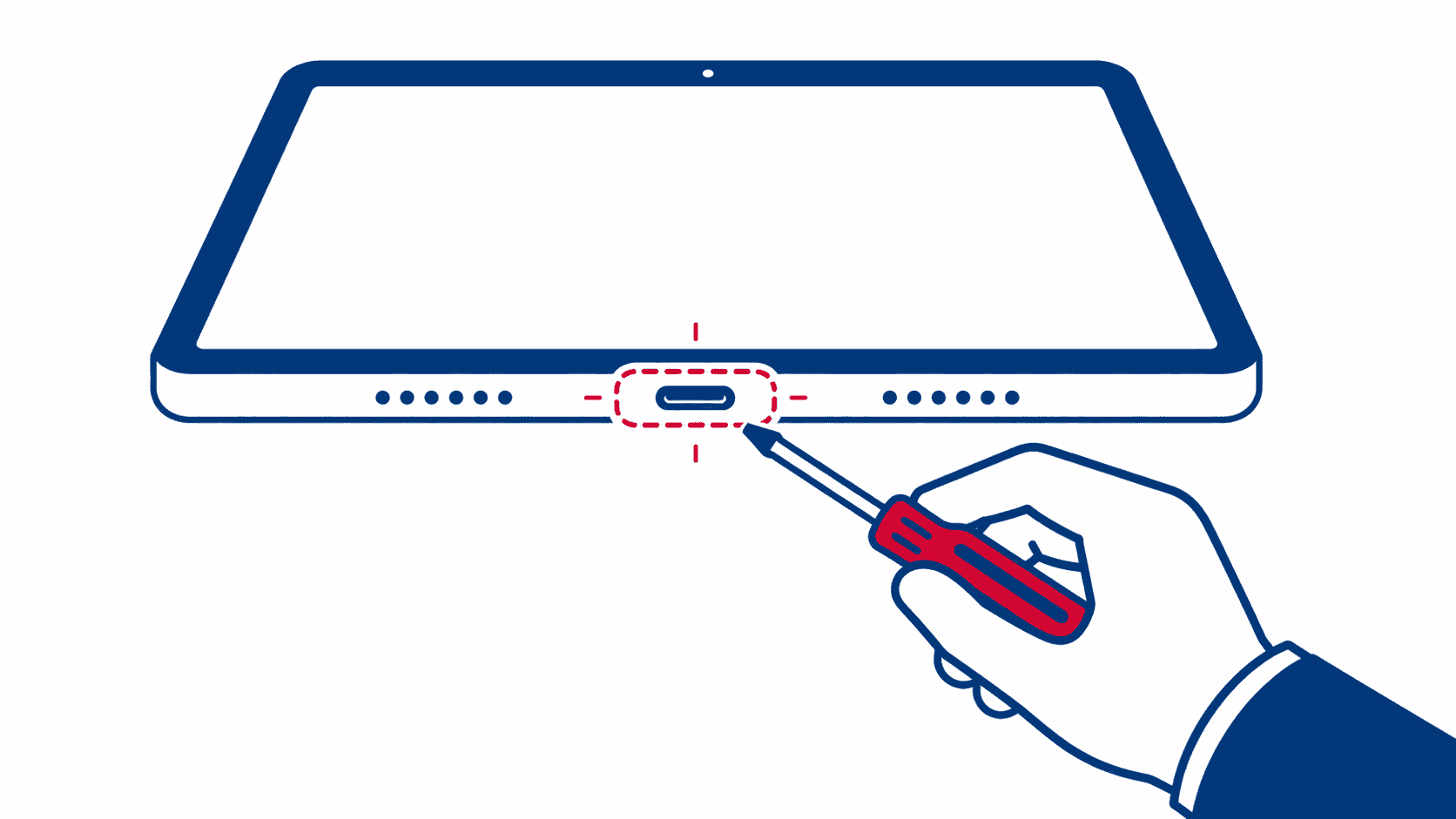
- Inspect the port with a flashlight for visible lint or debris
- Use a wooden toothpick or anti-static brush, never metal, to gently clear debris, working at a slight angle rather than straight in
- Try a different cable and charger to rule out a bad accessory rather than the port itself
- Avoid canned air blasted directly into the port at close range, it can push debris deeper rather than out
If none of that helps and you still get no response when plugging in, it’s time to have it looked at rather than risk further damage trying to dig the port out yourself.
How the Repair Works at Gizmo Pros
We run a free diagnostic first to confirm it’s actually the port and not the battery, cable, or a software glitch. Once confirmed, the port replacement itself typically takes under an hour, and most customers wait in-store or run an errand and come back. Every repair leaves with our 90-day limited warranty, so if the same issue comes back, we make it right at no extra cost.
Why People Choose Gizmo Pros
- Below-market pricing, with a promise to beat any local competitor’s published price by $10
- 90-day limited warranty on every repair
- Most repairs done same-day, often while you wait
- Nationwide mail-in repair service if you’re not near Wesley Chapel, Holiday, or Hudson
- 550+ positive Google reviews from customers across our Florida locations
Visit Us in Florida
We have three locations ready to help: Wesley Chapel, Holiday, and our newest shop in Hudson. Can’t make it in person? Our mail-in repair service covers anywhere in the USA.
Frequently Asked Questions
How much does it cost to fix an iPad charging port?
At Gizmo Pros, charging port repair costs $89 for the iPad 7, 8, and 9, and $109 for the iPad 10 and 11, due to their redesigned USB-C connector. Every repair includes a free diagnostic and a 90-day warranty.
Why is my iPad not charging even though the port looks clean?
Even a port that looks clean can have bent internal pins, corrosion from minor liquid exposure, or worn contacts from years of use. A visual check only catches obvious blockages; a proper diagnostic checks the connector’s actual electrical contact.
How long does an iPad charging port repair take?
Most charging port replacements are completed in under an hour once we’ve confirmed the diagnosis. Same-day service is standard at all three of our locations.
Can I fix an iPad charging port myself?
Cleaning out visible lint with a non-metal tool is safe to try. Actually replacing the port assembly involves disassembling the iPad and desoldering or unclipping delicate flex cables, which is not something we’d recommend as a DIY project; it’s easy to damage the logic board or Face ID/Touch ID components in the process.
Does Apple’s warranty cover charging port repairs?
Standard Apple warranty only covers manufacturing defects, not everyday wear, debris, or accidental damage, which account for the vast majority of charging port issues. AppleCare+ may cover it for a service fee, but many owners find third-party repair more cost-effective, especially once the original warranty has expired.
Can I mail in my iPad for charging port repair?
Yes. Our mail-in repair service accepts iPads from anywhere in the USA. We repair it and ship it back within 2–4 business days via free standard shipping, with next-day return delivery available for an additional fee.
Will a charging port repair fix slow charging too?
Sometimes, but not always. If the port has worn contacts, replacing it can restore normal charging speed. But if the iPad is charging fully, just slowly, the cause is often the battery, cable, or charger rather than the port. Our free diagnostic will tell you which one it is.
Get Your iPad Charging Again, The Right Way
Free diagnostic. Below-average pricing. 90-day warranty. Visit us in Wesley Chapel, Holiday, or Hudson, or ship your iPad from anywhere in the USA.