I’ve fixed more Lenovo tablets than I can count, and the question that comes up every single time is the same: “How much is this going to run me?“
Lenovo makes a wide range of tablets, from the budget-friendly Tab M series to the more capable Tab P and Yoga lines. And what you’ll pay to fix one depends heavily on which model you have, what’s broken, and where you take it. This guide breaks all of that down in plain terms so you’re not walking in blind.
One thing to note upfront: the prices in this article reflect industry averages across U.S. repair shops. Our actual rates at Gizmo Pros typically come in below these averages, and we back that up with a price-match guarantee: find a lower published price from any local competitor, and we’ll beat it by $10.
Lenovo Tablet Repair Costs Overview
Here’s a look at what you can expect to pay for the most common Lenovo tablet repairs this year. These are industry average figures covering parts and labor at independent repair shops across the U.S.
Can’t Make It In? We’ll Fix It and Ship It Back.
Our mail-in repair service covers Lenovo tablets, too. Ship it to us, we fix it, and return it to you within 2–4 business days with free standard return shipping. Need it back faster? Next-day return shipping is available for an additional fee.
Now let’s go repair by repair, because the context behind each price range matters just as much as the number.
Lenovo Tablet Screen Replacement Cost
Typical cost: $80 – $200
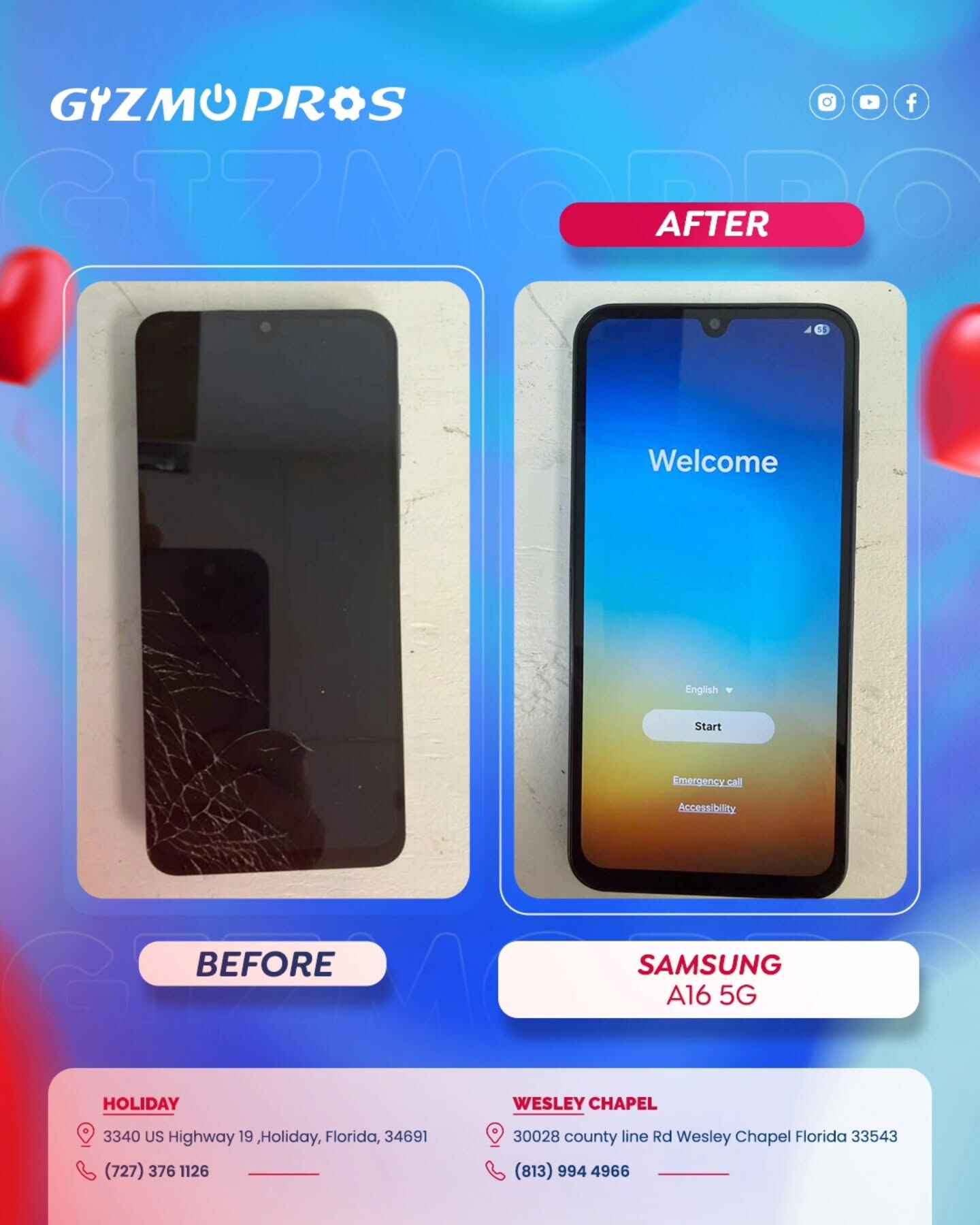
Screen damage is the most common reason people bring their Lenovo tablets in, and the repair is absolutely worth doing in most cases. The cost range here is wider than you might expect, and here’s why.
Budget models like the Tab M7 and Tab M8 use more affordable display assemblies, so the part cost is lower and the total repair typically lands on the lower end of that range. Mid-range models like the Tab M10 or Tab P11 sit in the middle. The Tab P11 Pro with its OLED display or the larger Tab P12 Pro will naturally cost more as the parts are pricier.
There’s also the lamination issue mentioned earlier. Most Lenovo tablets these days use a fully laminated display, meaning you can’t just replace the cracked outer glass without replacing the entire screen assembly. Some older budget models still use non-laminated screens where a glass-only repair might be possible, but that’s increasingly rare.
One thing to always check before quoting a screen repair is whether the damage is purely cosmetic, or if the LCD underneath is also affected? If the display still shows a clear picture and touch works fine through the cracks, you’re likely looking at a glass or digitizer issue. If there are black spots, color bleeding, or dead zones on the screen, the full LCD is damaged, still repairable, just using the full assembly.
If your Lenovo tablet’s screen has gone completely dark but the tablet seems to be on (you can hear sounds or feel vibrations), that’s often a backlight issue rather than a cracked screen, and it’s worth getting properly diagnosed before assuming the worst.
Lenovo Tablet Battery Replacement Cost
Typical cost: $60 – $120
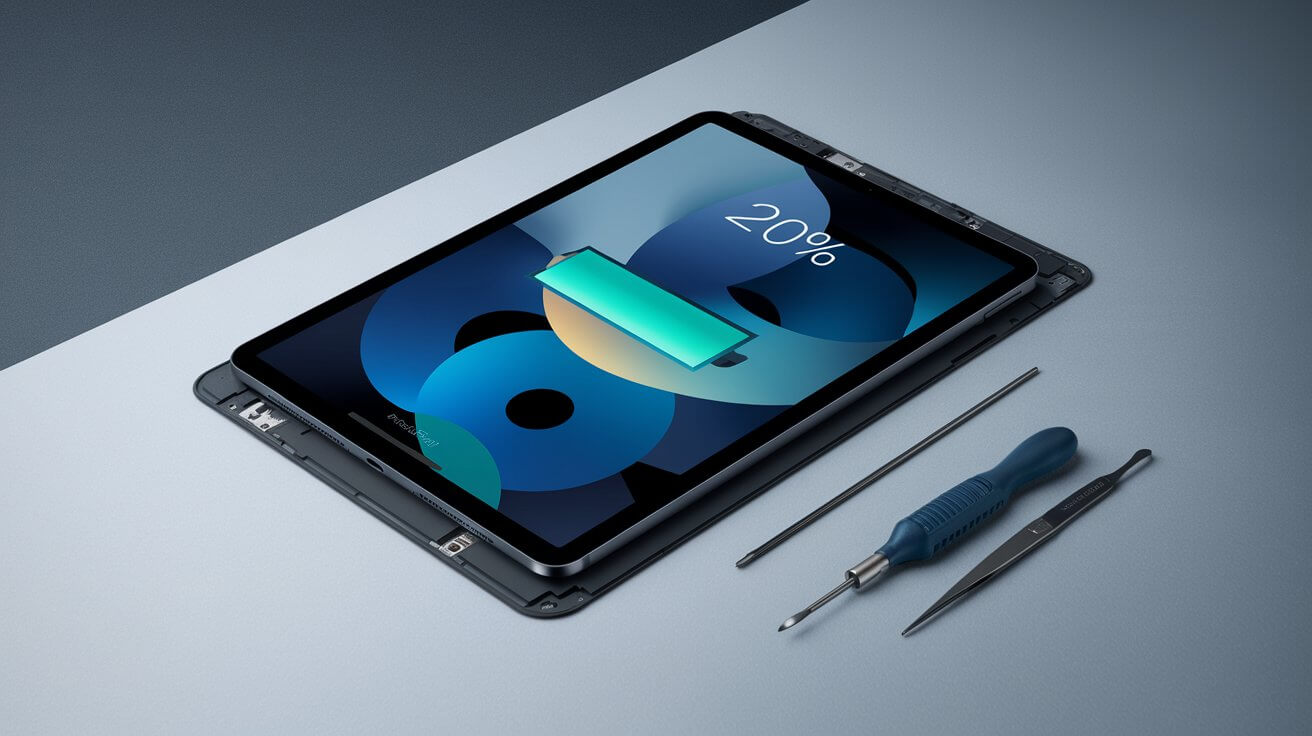
Battery issues are the second most common thing we see on Lenovo tablets, and they creep up slowly. You might notice the tablet draining faster than it used to, or it starts shutting off at 20% charge, or it only works when it’s plugged in. By the time people bring it in, the battery health is usually well below where it should be.
The repair itself involves heating the back panel to soften the adhesive, carefully prying it open, disconnecting and removing the old battery, and installing a new one. It sounds involved (and it is), but a technician who’s done it a few times can get through it cleanly without damaging anything.
The cost difference between models mostly comes down to battery capacity and how difficult the specific model is to open. Yoga tablets house their batteries in the distinctive cylindrical hinge that makes the series iconic. That design is fantastic for battery life, but it does make a swap slightly more complex than a standard slab tablet.
The general guidance: if your tablet is draining more than 30% faster than it used to under the same usage, bring it in for a battery health check. Catching it early keeps you from getting stranded with a dead tablet at the worst possible time.
Lenovo Tablet Charging Port Repair Cost
Typical cost: $60 – $120
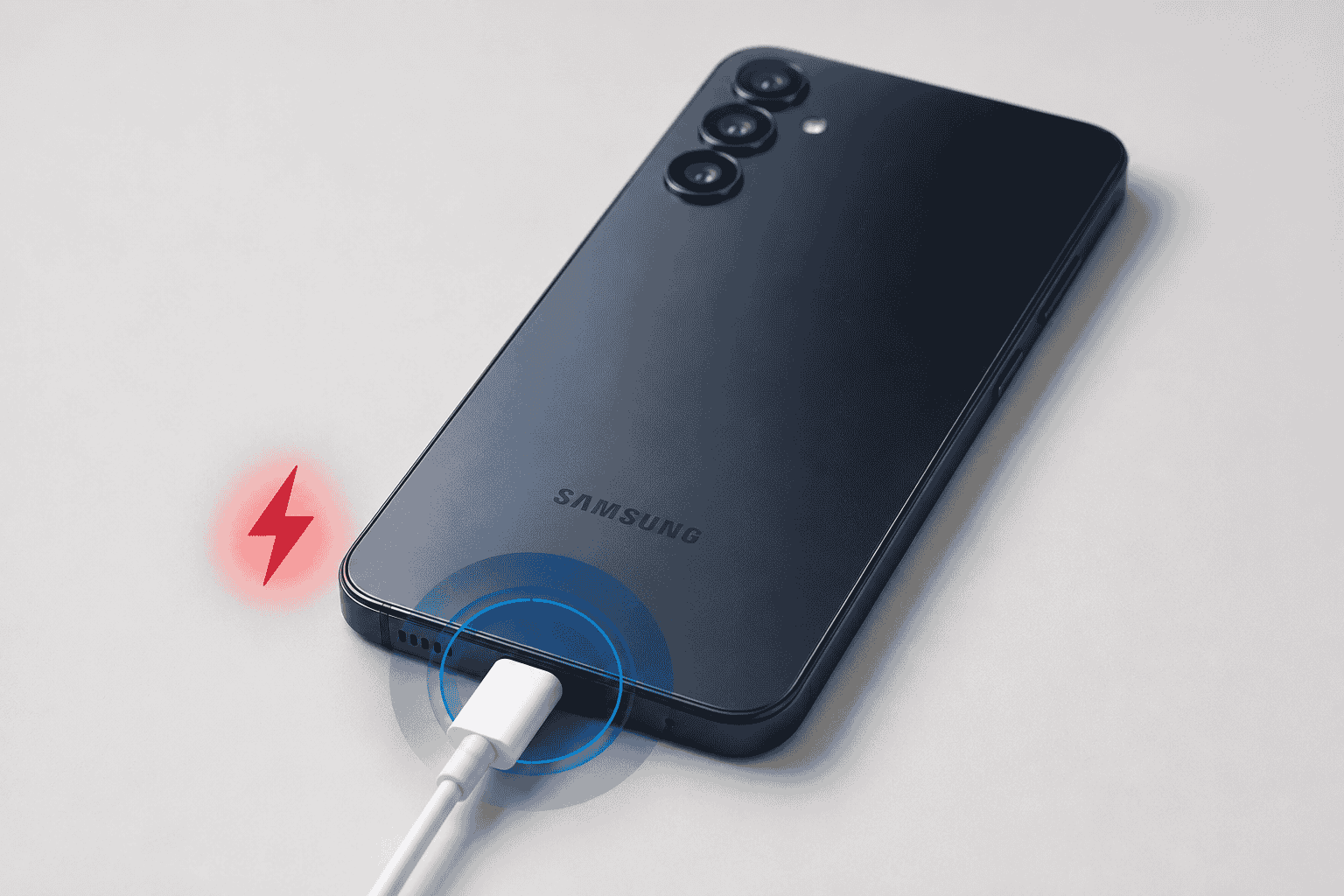
A charging port issue usually announces itself gradually. First you notice the cable has to be at a specific angle to charge. Then it gets worse. Then one day it stops connecting altogether.
The good news: this is one of the more affordable repairs on a tablet, and it makes a huge difference. The cost variation comes from the port type. Older Lenovo tablets, including many Tab M8 and Tab M10 models from a few years back, used Micro-USB ports, which are relatively straightforward to replace. Newer models across the Tab P and Yoga lines have moved to USB-C, and depending on how the port is integrated, the repair can involve more careful microsoldering work.
One quick thing to rule out at home before bringing the tablet in: clean the port gently with a toothpick or dry brush. Pocket lint is responsible for a surprising number of “charging port failures” that aren’t actually port failures at all. The lint just blocks the cable from making contact. If cleaning doesn’t fix it, that’s when it’s time to come in.
If your Lenovo tablet won’t turn on at all and you suspect a charging issue might be involved, take a look at our guide on Lenovo tablets that won’t turn on. It walks through several power-related scenarios before concluding that the hardware needs professional attention.
Button, Speaker, and Camera Repair Costs
Typical cost: $50 – $110 depending on the repair
These repairs come up less often than screens and batteries, but they’re worth covering.
Power and volume buttons can wear out mechanically or fail at the board connection level. A stuck or unresponsive power button is particularly frustrating since it effectively locks you out of the device. Most button repairs are on the lower end of the cost range and are completed same-day.
Speaker issues on Lenovo tablets usually show up as muffled audio, crackling at higher volumes, or one speaker cutting out entirely. Sometimes it’s the speaker component itself; sometimes it’s a debris issue in the grille. A careful clean-out fixes more speaker “repairs” than you’d think. When the speaker module itself has failed, replacement is straightforward.
Camera repairs cover both the rear and front cameras. A blurry camera that looks fine externally is usually a lens or sensor issue. A camera that shows up as completely unavailable is often a loose connector or failed module. Both are repairable.
Pricing by Model: What to Expect
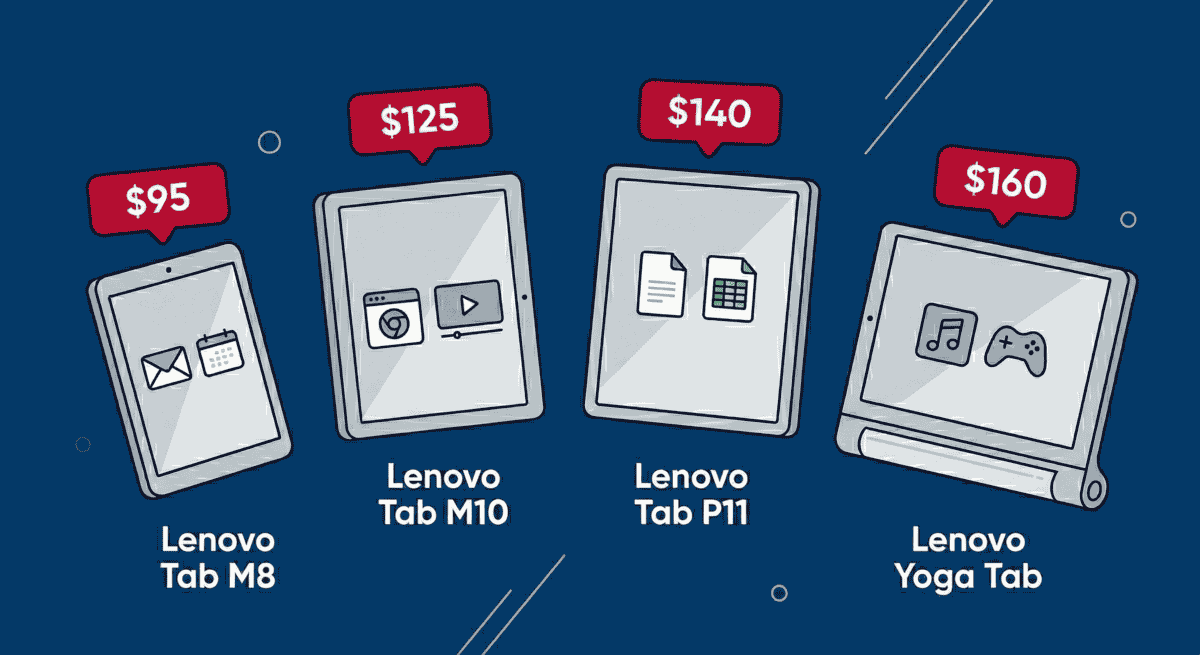
The Lenovo tablet lineup is wide, and not all models carry the same repair costs. Here’s a practical model-by-model breakdown based on real-world repair demand and parts availability.
A quick note on the older models like the ThinkPad Tablet 2, Yoga Tablet 2, and the Tablet 10 (B8000) series: these are aging hardware at this point, and parts can be harder to source than for current models. That doesn’t mean they can’t be repaired (we fix older Lenovo tablets regularly), but it’s worth factoring the device’s age into the repair-vs-replace decision, which we’ll get into below.
Should You Repair or Replace a Lenovo Tablet?
This is the honest conversation we have with customers all the time, and there’s no one-size-fits-all answer. Here’s the framework we actually use:
If the repair costs less than 50% of what a comparable replacement would cost, repair is almost always the right call. A new mid-range Lenovo tablet in 2026 runs roughly $200–$400. If your Tab M10 needs a screen replacement at $120, fixing it is a clear financial win.
Budget tablets complicate the math. If you have a Tab M7 or Tab M8 that you picked up for $99, and the repair estimate is $90, that’s a much harder call. At that point, you’re essentially paying close to the device’s replacement cost to fix it. It might still make sense if you have data on it or need a quick fix, but it’s worth having that conversation with the technician first.
Age matters beyond just cost. A three-year-old Tab P11 that’s in otherwise good shape is worth repairing. A six-year-old tablet that’s also slow, struggling with current apps, and no longer receiving security updates might be better replaced, even if the repair is affordable; you’re just delaying the inevitable.
If you’re on the fence about whether it’s even worth fixing your device, our piece on whether you can sell a broken device walks through your options if you decide repair isn’t the move.
Additional Costs to Know About
A note on diagnostic fees: a proper diagnosis is always worth it. A free “diagnostic” usually means a quick look and a guess. At Gizmo Pros, we do a real evaluation and apply that fee toward your repair if you move forward with us.
Getting Your Lenovo Tablet Repaired at Gizmo Pros
We work on the full Lenovo tablet lineup across all three of our Florida locations: Wesley Chapel, Holiday, and Hudson. That includes the Tab M series, Tab P series, Yoga tablets, ThinkPad tablets, and older models. Most repairs are completed the same day. Every repair comes with a 90-day limited warranty against defects, and we price-match any local competitor’s published rate and beat it by $10.
Three Florida Locations Ready to Help
Wesley Chapel · Holiday · Hudson — walk-ins welcome, honest quotes, most repairs done while you wait. We’ll beat any local competitor’s published price by $10.
Visit Our Repair Centers
📍 Holiday & Tarpon Springs
📍 Wesley Chapel
📍 Hudson
Frequently Asked Questions
How long does a Lenovo tablet repair take?
Most common repairs, such as screens, batteries, charging ports, and buttons, are completed same-day. In many cases we can have it done while you wait. More complex repairs or cases where we need to order a specific part may take an additional day.
Is it worth repairing an older Lenovo tablet like the ThinkPad Tablet 2 or Yoga Tablet 2?
It depends on the repair cost relative to what the device is worth to you. These are older models, and parts can take a little longer to source. For a single repair like a battery or charging port, it’s often still cost-effective. For a screen replacement on a device that’s several years old, it’s worth having a conversation about the full picture before committing.
My Lenovo tablet’s touchscreen is unresponsive but the screen looks fine. Is that a screen issue?
Not necessarily. An unresponsive digitizer can sometimes be caused by a software issue, a bad update, or a loose internal connector, not always a damaged screen. A proper diagnostic will tell you what’s actually going on before any parts get ordered.
Do you repair Lenovo tablets with water damage?
Yes. Water damage repair is possible in many cases, and the outcome depends heavily on how quickly the device was powered off and brought in. The longer a water-damaged tablet stays powered on, the more damage corrosion can cause. Bring it in as soon as possible.
Can you fix a Lenovo tablet that won’t turn on at all?
Absolutely, this is one of the more common issues we see. A tablet that won’t power on can be a dead battery, a failed charging port, a software issue, or something more involved. We diagnose it first and give you a clear picture of what’s going on before any work starts.
Do you need an appointment?
Walk-ins are welcome at all three locations. If you want to make sure a technician is ready for you, calling ahead is always a good idea, but it’s not required.
The Bottom Line
Lenovo tablet repairs in 2026 are generally affordable, especially for the most common issues. Screen replacements typically run $80–$200, battery and charging port repairs fall in the $60–$120 range, and most other fixes come in under $110. The wide ranges exist because Lenovo’s tablet lineup spans from $100 budget devices to $500+ premium models, and parts pricing reflects that.
The advice we give everyone: get a proper diagnostic, know exactly what you’re dealing with, and make the repair-vs-replace decision with real numbers in front of you. At Gizmo Pros, we’ve been working on Lenovo tablets for years, and we’ll tell you honestly whether fixing it makes sense, not just whether we can do it.
Come see us in Wesley Chapel, Holiday, or Hudson. Or if getting to a shop isn’t convenient, our mail-in repair service has you covered no matter where you are.