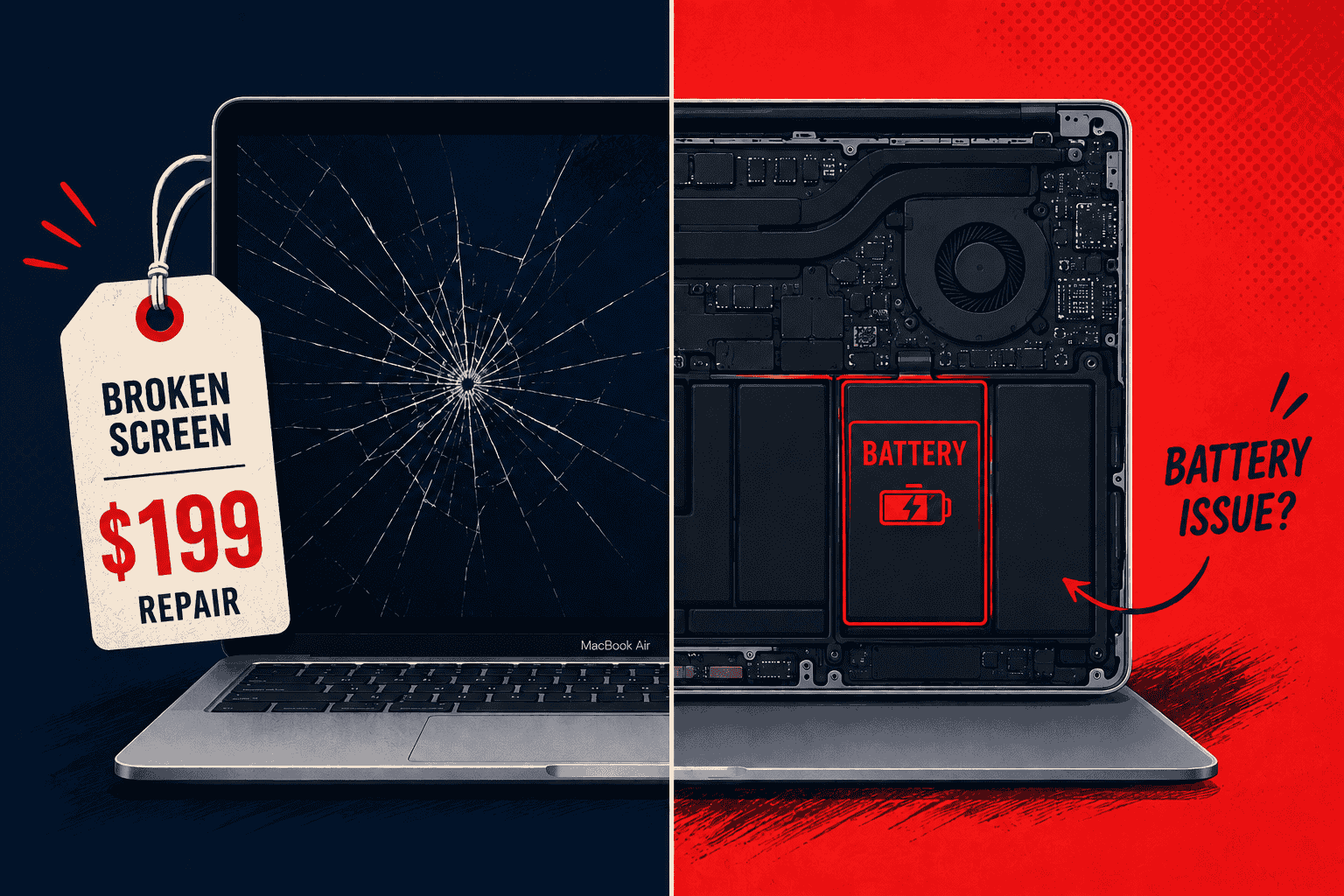
This guide gives you accurate, up-to-date MacBook repair cost estimates for 2026, broken down by issue (screen or battery replacement), model, and service provider, so you know what’s fair before you hand your machine over to anyone.
MacBook Repair Costs at a Glance (2026)
Here’s a snapshot of what you can expect to pay for the most common MacBook repairs at Gizmo Pros versus going through Apple. Every repair we do comes with a 90-day warranty against defects, free diagnostics, and a price-beat guarantee, we’ll beat any local competitor’s published price for the same repair by $10.
| Repair | Gizmo Pros | Apple (Out-of-Warranty) | Market Average |
|---|---|---|---|
| MacBook Air Screen Replacement | From $199 | $600 – $800 | $350 – $700 |
| MacBook Pro Screen Replacement | From $249 | $650 – $900 | $380 – $800 |
| MacBook Air Battery Replacement | From $99 | $159 | $100 – $160 |
| MacBook Pro Battery Replacement | From $129 | $199 – $249 | $120 – $220 |
| Diagnostic FREE | FREE | Varies | $25 – $75 |
Prices vary by specific model, screen type (standard, Retina, Liquid Retina XDR), and configuration. We’ll always give you a firm quote before any work begins.
Not Sure What’s Wrong With Your MacBook?
We’ll run a free diagnostic with no obligation. Come in to any of our three Florida locations, or ship your MacBook to us from anywhere in the USA.
MacBook Screen Replacement Cost
Cracked and shattered MacBook displays are probably the most emotionally charged repair we see walk through the door. A single drop, a bag that got sat on, a laptop that slid off a desk, and suddenly you’re looking at a spiderweb across a $1,200 machine.
The first thing to understand is why MacBook screen repairs cost more than most other laptops: Apple builds modern MacBooks with sealed display assemblies. The Retina display glass, LCD or Liquid Retina panel, webcam, True Tone sensor, and backlight are all one bonded unit. You can’t just swap a cracked piece of glass for $30 the way you might on a budget Windows machine. The whole upper assembly has to come out, and on newer M-series models, that process is precise work.
MacBook Air Screen Replacement Cost by Model
| MacBook Air Model | Gizmo Pros | Apple (Out-of-Warranty) | DIY (Parts Only) |
|---|---|---|---|
| MacBook Air (Intel, 2018–2020) | From $199 | $550 – $650 | $200 – $300 |
| MacBook Air M1 (13″) | From $229 | $600 – $700 | $250 – $320 |
| MacBook Air M2 (13.6″) | From $279 | $650 – $750 | $300 – $420 |
| MacBook Air M3 / M4 (13″ or 15″) | From $299 | $700 – $800 | $380 – $500 |
MacBook Pro Screen Replacement Cost by Model
| MacBook Pro Model | Gizmo Pros | Apple (Out-of-Warranty) | DIY (Parts Only) |
|---|---|---|---|
| MacBook Pro 13″ (Intel, 2018–2020) | From $249 | $550 – $700 | $200 – $320 |
| MacBook Pro 13″ (M1 / M2) | From $279 | $600 – $700 | $260 – $360 |
| MacBook Pro 14″ (M2 / M3 / M4) | From $329 | $700 – $800 | $350 – $500 |
| MacBook Pro 16″ (M2 / M3 / M4) | From $399 | $750 – $900 | $400 – $580 |
What Drives the Price Up or Down?
A few things determine where your MacBook lands on the cost spectrum:
- Screen technology: Standard Retina LCD panels are the most affordable to replace. Liquid Retina XDR (ProMotion, mini-LED) panels found in the MacBook Pro 14″ and 16″ cost significantly more because the parts themselves are pricier and more labor-intensive to install correctly.
- M-series vs. Intel: Older Intel-based MacBooks are generally cheaper to repair because display assemblies have been around longer and parts are more readily available. Newer M-series models involve more delicate disassembly.
- True Tone calibration: Apple links the True Tone display controller to the logic board during manufacturing. Some repairs can preserve this; others can’t. It’s worth asking your shop about this specifically.
- Labor time: A proper MacBook screen replacement takes 90 minutes to over two hours on a 16″ Pro. Shops that quote unusually low prices are often cutting corners on the job itself or the parts quality.
For a broader look at what affects laptop screen repair pricing across brands, our guide on laptop screen repair costs covers those factors in more depth.
MacBook Battery Replacement Cost
Battery replacements are the most common MacBook repair job we see, and they’re also the one where the cost-benefit math is usually the clearest. MacBook batteries are rated for around 1,000 charge cycles, at daily use, that’s roughly 3–5 years before capacity starts dropping noticeably. When macOS shows “Service Recommended” in battery settings, or your machine barely makes it through a two-hour meeting, it’s time.
MacBook Air Battery Replacement Cost
| MacBook Air Model | Gizmo Pros | Apple (Out-of-Warranty) | DIY (Parts Only) |
|---|---|---|---|
| MacBook Air (any model via Apple) | From $99 | $159 | $70 – $130 |
| MacBook Air M1 (2020–2021) | From $109 | $159 | $80 – $130 |
| MacBook Air M2 / M3 / M4 (2022+) | From $119 | $159 | $90 – $140 |
MacBook Pro Battery Replacement Cost
| MacBook Pro Model | Gizmo Pros | Apple (Out-of-Warranty) | DIY (Parts Only) |
|---|---|---|---|
| MacBook Pro 13″ (any generation) | From $129 | $199 | $90 – $140 |
| MacBook Pro 14″ (M1 / M2 / M3 / M4) | From $159 | $249 | $110 – $160 |
| MacBook Pro 16″ (M1 / M2 / M3 / M4) | From $179 | $249 | $120 – $170 |
Signs Your MacBook Battery Needs Replacing
- Runtime has dropped to less than half of what it used to be on a full charge
- macOS shows “Service Recommended” or “Replace Soon” under Battery Health settings
- The battery percentage jumps around erratically or drops suddenly under light use
- Your MacBook shuts down unexpectedly even when charge is showing
- The bottom case feels unusually warm, or you notice any visible bulging near the trackpad area, bring it in immediately if this is happening
- The machine only works reliably when plugged into power
You can check your battery’s cycle count and health by going to Apple menu → About This Mac → System Report → Power. Anything approaching 1,000 cycles or showing capacity below 80% is a clear sign it’s time.
Is a Third-Party MacBook Battery Worth It?
This comes up constantly, and the concern is fair, there are genuinely bad batteries out there that swell, lose capacity within months, or trigger system warnings. The key isn’t whether the battery came from Apple; it’s the quality of the cell and how reputable the shop is.
At Gizmo Pros, we use high-grade OEM-equivalent batteries, not the cheap no-name units flooding online marketplaces. And every battery replacement comes with a 90-day warranty, so you’re covered if anything goes wrong after the job. The savings over Apple’s out-of-warranty rate, without sacrificing quality, is why most of our battery customers come back for the next repair too.
One thing worth mentioning: if your MacBook is running hot alongside the battery problems, it’s worth having the cooling system checked at the same time. A clogged fan or degraded thermal paste can accelerate battery wear faster than normal use. Our guide on laptop fan repair costs covers what to expect if that turns out to be part of the picture.
Not Near a Gizmo Pros Location? Ship It to Us.
Our mail-in MacBook repair service lets you send your device to us from anywhere in the USA. Most repairs are turned around and shipped back within 2–4 business days via free standard return shipping. Need it faster? Next-day delivery is available for an additional fee. Same quality, same 90-day warranty, no drive required.
Apple Store vs. Third-Party Repair: Which Should You Choose?
There’s no blanket right answer here, it depends on your situation. Here’s how I’d think about it:
Choose Apple When…
- Your MacBook is still covered by AppleCare+ (the service fee savings make it a no-brainer)
- The machine is essentially new and you want to protect any remaining warranty coverage
- True Tone recalibration is critical to your work, since Apple’s proprietary tools handle this natively
Choose a Trusted Third-Party Shop When…
- Your MacBook is out of warranty and you want to save $150–$400 on the same repair
- You need a faster turnaround, Apple’s typical repair window runs 3–10 business days; we do most jobs same-day
- You want a real conversation with a technician who will actually look at your machine
- You’re combining repairs (screen and battery together, for example) and want a single competitive price
| What You Get | Gizmo Pros | Apple Store |
|---|---|---|
| Free Diagnostic | ✔ Always free | ✘ Varies |
| Turnaround Time | Same-day (most repairs) | 3–10 business days |
| Price Beat Guarantee | ✔ Beat local quotes by $10 | ✘ Fixed pricing |
| Repair Warranty | ✔ 90 days | 90 days (out-of-warranty) |
| Mail-In Option | ✔ Free return shipping | ✔ Available |
| MacBook Air Screen (M1) | From $229 | $600 – $700 |
Should You Repair Your MacBook or Replace It?
I give every customer the same honest answer: if the repair cost is under 50% of what your MacBook is currently worth on the secondhand market, fix it. MacBooks, especially M-series models, hold their value well. A screen or battery replacement on a machine that’s otherwise running great extends its useful life by years at a fraction of replacement cost.
The situations where replacement genuinely makes more sense:
- The logic board has failed and the MacBook is more than 5–6 years old
- Multiple major components failed at once, screen, battery, and something on the board simultaneously
- Repair cost would exceed 60–70% of what a comparable new or refurbished machine costs
- The model is too old to receive future macOS updates, limiting its practical lifespan regardless of repairs
Outside of those situations, repair wins. A used M1 MacBook Air in good condition still commands $500–$700 on the secondhand market. A $229 screen replacement on that machine is an easy call. We offer free diagnostics, so we’ll give you an honest assessment upfront, even when the honest answer means a smaller job for us.
If you’re working to get more years out of your MacBook, it’s also worth reading our guide on how to make your laptop last longer, there are maintenance habits and upgrade decisions that make a real difference over time.
Ready to Get Your MacBook Fixed?
Visit us in Wesley Chapel, Holiday, or Hudson, or ship your MacBook from anywhere in the USA. Free diagnostic. No commitment. 90-day warranty on every repair.
Visit Our Repair Centers
📍 Holiday & Tarpon Springs
📍 Wesley Chapel
📍 Hudson
Frequently Asked Questions
How much does MacBook screen replacement cost in 2026?
It depends on the model. At Gizmo Pros, MacBook Air screens start from $199 and MacBook Pro screens start from $249, well below Apple’s out-of-warranty rates of $600–$900. Premium models with Liquid Retina XDR panels cost more due to parts pricing. We always provide a firm quote before any work begins. For a full breakdown of what influences laptop screen repair costs across brands, see our laptop screen repair cost guide.
How much does MacBook battery replacement cost?
Apple charges $159 for MacBook Air and $199–$249 for MacBook Pro (out of warranty). At Gizmo Pros, MacBook Air batteries start from $99 and MacBook Pro batteries from $129, all including a 90-day warranty. Most jobs are completed within 30–60 minutes.
Does AppleCare cover MacBook screen or battery repairs?
AppleCare+ covers accidental screen damage for a $99 service fee per incident. Battery replacement is free under AppleCare+ once capacity drops below 80%. Standard warranty (without the +) only covers manufacturing defects, not accidental damage or battery wear.
How long does a MacBook screen or battery replacement take?
At our shops, battery replacements are typically done in 30–60 minutes. Screen replacements take 1–3 hours depending on the model. We always give you a realistic timeline upfront, and most jobs are completed same-day.
Will a third-party MacBook screen replacement affect True Tone?
This is a valid concern. Apple’s True Tone technology ties display calibration data to the logic board during manufacturing. Some third-party repairs can preserve this functionality; others cannot. It’s worth asking about specifically when you get a quote. We’ll be straightforward about what your particular repair will and won’t preserve.
Is it worth repairing an older MacBook?
Usually yes, if the machine is under 5–6 years old and the damage is limited to one component. A targeted screen or battery repair is almost always cheaper than buying a replacement machine. We offer free diagnostics, so you get an honest answer before spending anything. We’ve also written a detailed guide on how to extend your laptop’s lifespan that covers what maintenance decisions actually make a difference.
Can I mail my MacBook in for repair if I’m not near a Gizmo Pros location?
Yes. Our mail-in repair service accepts MacBooks from anywhere in the USA. Ship your device, we fix it and send it back within 2–4 business days via free standard return shipping. Next-day return delivery is available for an additional fee.
Do you offer a warranty on MacBook repairs?
Every repair at Gizmo Pros comes with a 90-day limited warranty against defects. If the same issue returns within that window, we’ll make it right. The warranty is valid across all three of our Florida locations, Wesley Chapel, Holiday, and Hudson.
Get Your MacBook Fixed, For Less Than Apple Charges
Free diagnostic. Below-average pricing. 90-day warranty. Visit us in Wesley Chapel, Holiday, or Hudson, or ship your MacBook from anywhere in the USA.