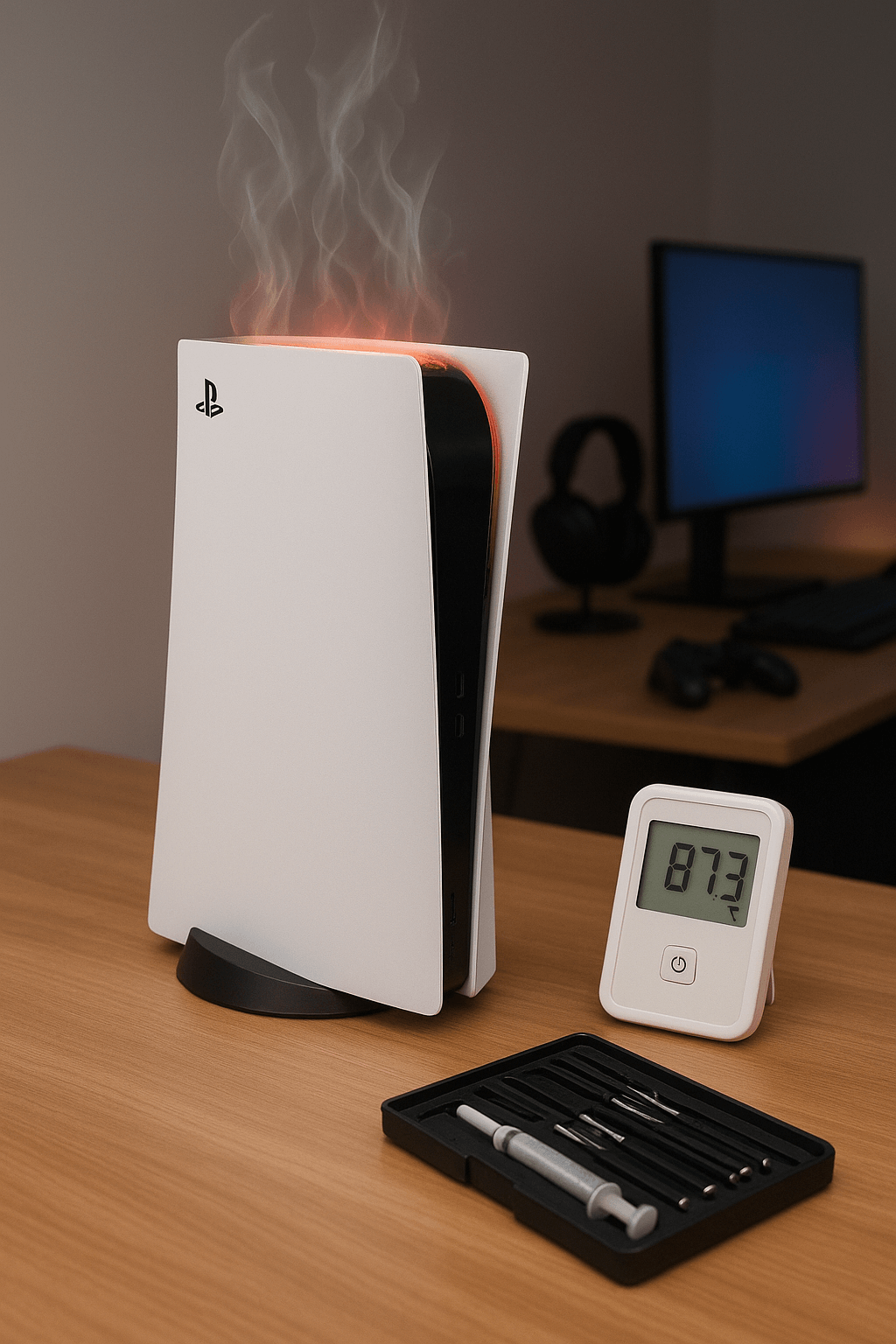
Nothing kills a gaming marathon quite like your PS5 suddenly shutting down with an overheating warning. Trust me, I see this happen to frustrated gamers very often at our repair shop. The first question everyone asks? “How much is this going to cost me to fix?”
Let’s cut through the confusion and talk real numbers.
PS5 Overheating Repair Cost Breakdown
At Gizmo Pros, PS5 overheating repair costs $120 and typically takes about 2 hours to complete. This price includes a comprehensive diagnosis, internal cleaning, fan inspection and maintenance, and servicing the PS5’s liquid-metal thermal interface material when needed. This is sometimes referred to as a “PS5 thermal paste replacement,” although Sony actually uses liquid metal rather than conventional thermal paste between the PS5’s main processor and heatsink.
Here’s what factors into professional PS5 overheating repair costs:
Labor and Diagnosis ($60-80)
- Complete system teardown and inspection
- Thermal imaging to identify heat concentration areas
- Component testing and assessment
Parts and Materials ($40-60)
- Liquid-metal thermal interface inspection and servicing when needed
- Dust removal and cleaning solutions
- Fan maintenance or replacement (if needed)
How Much Does PS5 Thermal Paste Replacement Cost?
If you’re searching for the cost of replacing the thermal paste on a PS5, there’s an important distinction to understand: the PS5 uses liquid metal rather than conventional thermal paste as the thermal interface material on its main processor. Sony confirms that liquid metal has been part of the PS5 cooling design since the original console. You can read more about the cooling design in PlayStation’s official PS5 hardware teardown.
At Gizmo Pros, inspection and servicing of the PS5’s cooling system is handled as part of our $120 PS5 overheating repair service when needed. The service also includes diagnosis, internal cleaning, and fan inspection and maintenance.
We don’t recommend replacing the PS5’s original liquid-metal interface with ordinary CPU thermal paste. Because liquid metal is electrically conductive and the PS5 cooling system requires substantial disassembly to access, this part of the repair is best handled by someone experienced with PS5 hardware.
What Causes PS5 Overheating?
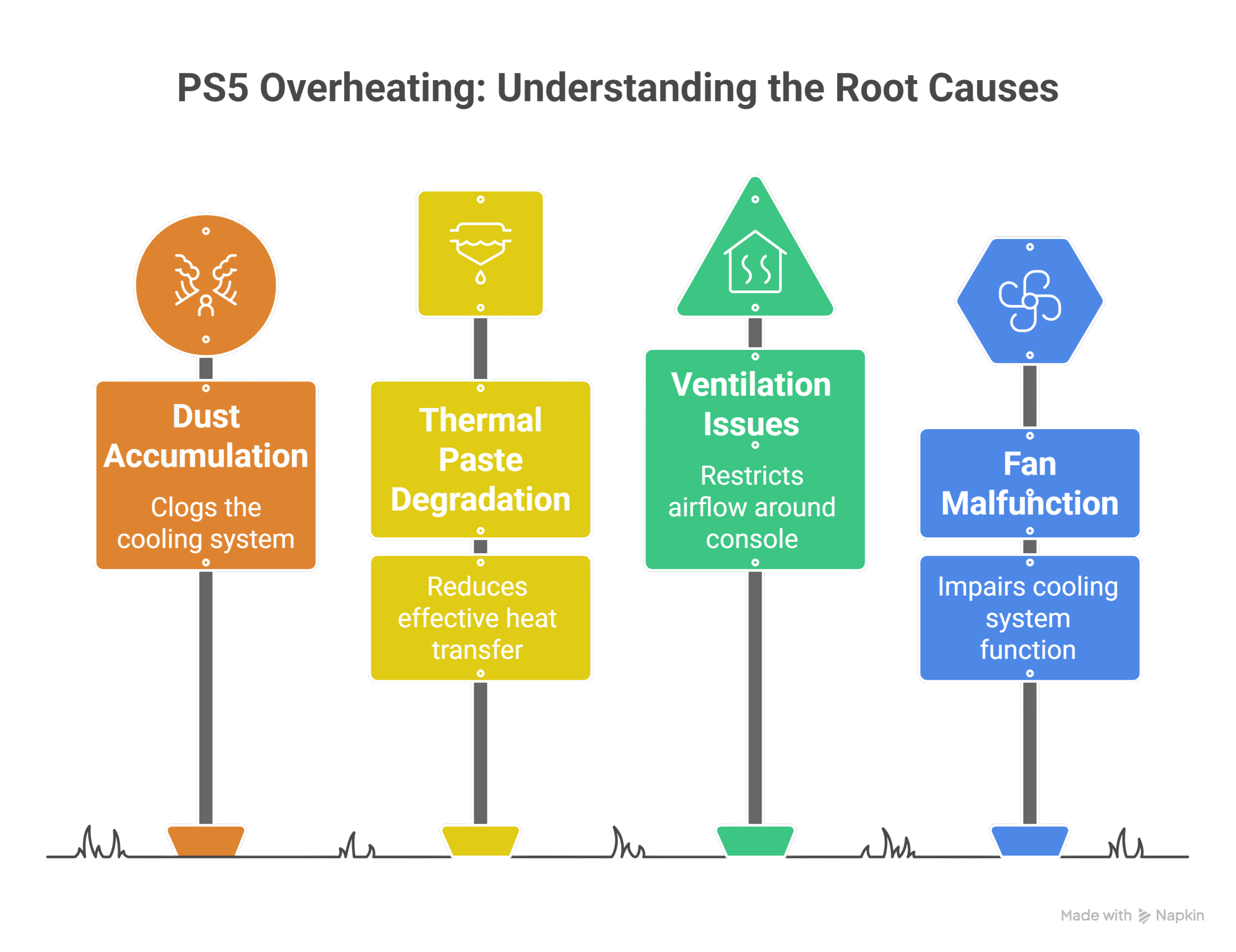
Understanding the root cause helps determine if professional repair is necessary or if you can tackle it yourself.
1- Dust Accumulation (Most Common)
Your PS5 acts like a giant vacuum, pulling in air to cool its components. Unfortunately, it also sucks in dust, pet hair, and other debris that gradually clogs the cooling system. I’ve opened PS5s that looked like they hadn’t been cleaned since launch day – absolutely packed with dust bunnies.
2- Liquid Metal / Thermal Interface Problems
Unlike most computers, the PS5 uses liquid metal as the thermal interface material between its main processor and heatsink. Its job is to transfer heat efficiently away from the processor. If the thermal interface is no longer making consistent contact or needs servicing, the console may struggle to dissipate heat properly even when the fan is running. A technician can inspect the liquid metal and cooling assembly as part of an overheating diagnosis.
3- Ventilation Issues
- Enclosed entertainment centers
- Carpet placement blocking intake vents
- Stacking other electronics on top
- Poor room temperature management
4- Fan Malfunction
Sometimes the cooling fan itself starts failing, running slower or making unusual noises before completely giving out.
Why Does My PS5 Overheat and Shut Off While Playing?
If your PS5 becomes hot and shuts itself off during gameplay, don’t assume the fan is automatically the problem. The cooling system works as a whole: airflow through the vents, dust inside the console, the fan, heatsink, and thermal interface all affect how effectively heat can leave the processor.
If the console continues shutting down after you’ve checked the external vents and given it adequate ventilation, it may need an internal inspection and cleaning rather than repeated restarts.
From our repair bench: Heavy dust buildup is one of the first things we check on an overheating PS5. We’ve opened consoles with the cooling system packed with dust and debris, so a proper diagnosis starts by checking airflow and the condition of the cooling system before assuming a major component has failed.
———————————
PS5 overheating or shutting down during games? Gizmo Pros offers PS5 overheating repair for $120, including diagnosis, internal cleaning, cooling-system inspection, and fan maintenance. Most overheating repairs take about 2 hours. Get your PS5 cooling system inspected and repaired in Wesley Chapel or Holiday, Florida.
———————————
DIY vs. Professional Repair: Making the Right Choice
When DIY Makes Sense: Simple external cleaning can often resolve minor overheating:
- Turn the PS5 completely off and disconnect the AC power cable before cleaning
- Use a low-powered vacuum cleaner to remove visible dust that has accumulated in and around the vents
- Leave at least 10 cm (about 4 inches) of free space around the console
- Check that the intake and exhaust vents aren’t blocked
- Avoid placing the console on long-fiber carpet or in a narrow, cramped space
These steps follow PlayStation’s official PS5 ventilation and cleaning guidance.
When Professional Help is Essential
- Console shuts down during gameplay despite external cleaning
- Fan makes grinding or clicking noises
- Overheating warnings appear within 30 minutes of use
- You’re uncomfortable opening expensive electronics
Opening a PS5 requires specific tools and techniques. One wrong move can damage delicate ribbon cables, connectors, the cooling assembly, or other internal components. If your PS5 may still be covered by Sony, check your current warranty and PlayStation repair options before attempting an internal repair yourself. Professional repair helps ensure proper disassembly, thorough cleaning, and correct servicing of the cooling system.
What’s Included in Professional PS5 Overheating Repair
When you bring your overheating PS5 to a qualified repair shop, here’s what should be included:
Complete Disassembly and Cleaning
- Full teardown to access all internal components
- Compressed air cleaning of all fans and heat sinks
- Removal of dust from circuit boards and connectors
Liquid Metal / Thermal Interface Inspection
- Inspect the PS5’s liquid-metal thermal interface and cooling assembly
- Check that the processor is making proper thermal contact with the heatsink
- Service or reapply the liquid-metal thermal interface material when required
- Inspect the surrounding area for problems that could interfere with cooling
Fan Inspection and Maintenance
- Cleaning fan blades and housing
- Lubrication of fan bearings if needed
- Replacement of faulty fans
System Testing
- Extended stress testing to ensure proper cooling
- Temperature monitoring during intensive gameplay
- Performance verification before return
Related PS5 Repair Costs
If your PS5 has another problem in addition to overheating, you may also find these repair guides useful:
Warning Signs Your PS5 Needs Immediate Attention
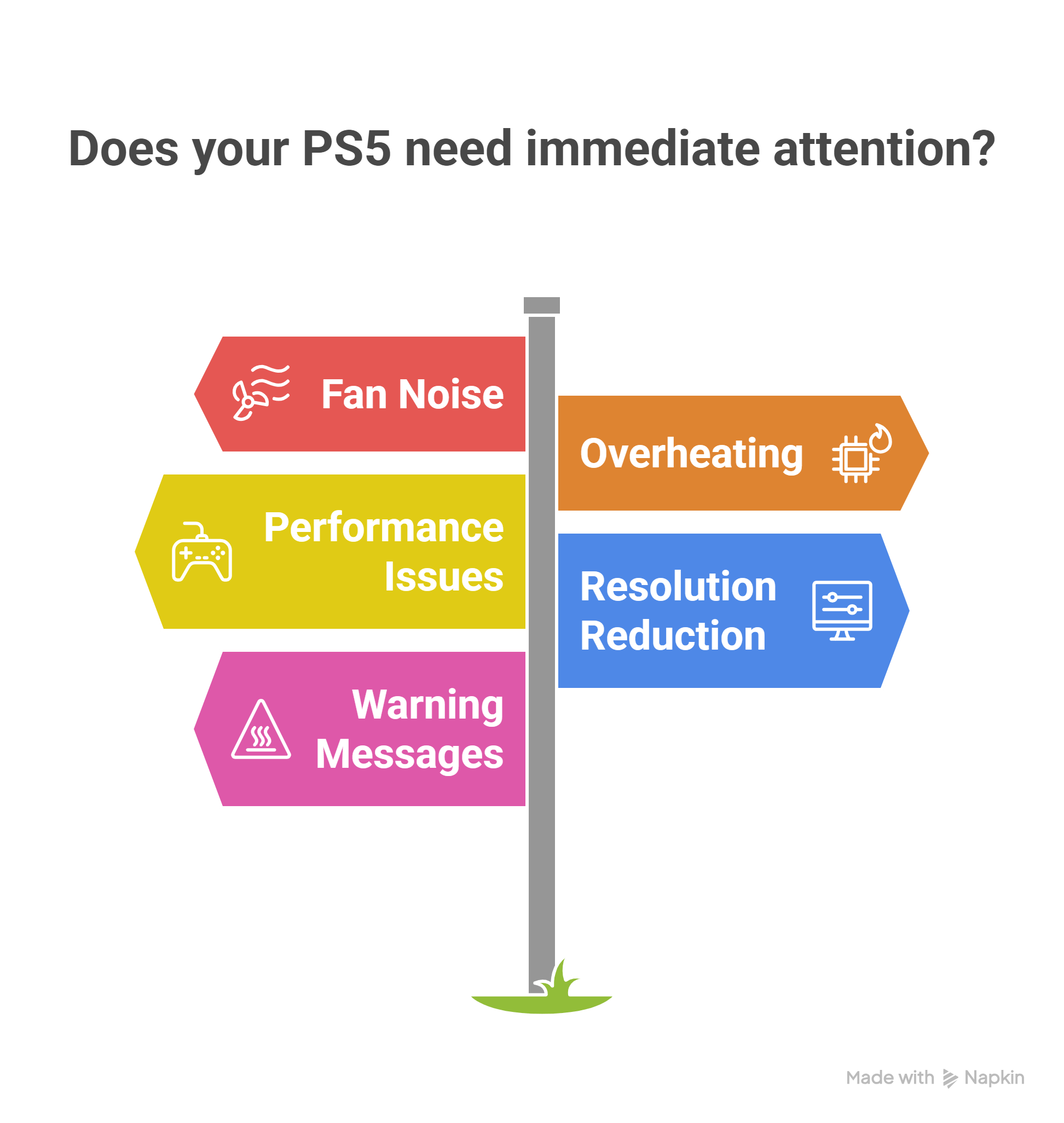
A louder fan by itself doesn’t necessarily mean your PS5 is overheating; the fan can run faster during some games and applications. More concerning signs include:
- An on-screen temperature or overheating warning
- Repeated shutdowns during demanding games
- Overheating that returns despite adequate ventilation
- A fan that is grinding, clicking, not spinning, or behaving abnormally
- Heavy dust buildup around the vents
- The same overheating problem returning shortly after the console cools down
Addressing persistent overheating early can reduce the chance of the problem becoming more serious.
———————————
At Gizmo Pros, we’ve built our reputation on precision PS5 repairs that actually last. Our 1500+ positive Google reviews reflect our commitment to getting your console running cool and quiet again. We’re located in Wesley Chapel, Holiday, and Hudson, Florida, in addition to offering a ‘We Come to You’ service in Zephyrhills, Tarpon Springs, and New Port Richey.
———————————
Why Choose Professional PS5 Repair
At Gizmo Pros, we’ve seen every type of PS5 overheating issue imaginable. Our systematic approach ensures your console gets proper treatment:
- 90-day warranty on all overheating repairs
- Same-day service for most cases
- Competitive pricing – we’ll beat any local competitor’s published price by $10
- Expert diagnosis to identify root causes, not just symptoms
We understand how frustrating it is when your gaming sessions get interrupted by overheating shutdowns. Our goal is getting you back to gaming quickly and confidently, knowing your PS5 will run cool and quiet for years to come.
PS5 Overheating Repair FAQs
How much does it cost to fix an overheating PS5?
Gizmo Pros charges $120 for PS5 overheating repair, with most repairs taking around 2 hours. The service includes diagnosis, internal cleaning, fan inspection and maintenance, and cooling-system service as needed.
How much does it cost to replace thermal paste on a PS5?
The PS5 actually uses liquid metal rather than conventional thermal paste on its main processor. At Gizmo Pros, inspection and servicing of the thermal interface is included as part of our $120 overheating repair when needed.
Can cleaning a PS5 fix overheating?
Sometimes. If blocked vents or internal dust buildup are restricting airflow, cleaning may solve the problem. If overheating continues after the console has adequate ventilation and clean external vents, the fan, heatsink, thermal interface, or another internal component may need inspection.
How long does a PS5 overheating repair take?
At Gizmo Pros, a typical PS5 overheating repair takes about 2 hours, although the exact turnaround can vary if additional problems are discovered during diagnosis.
Making the Repair Decision
PS5 overheating doesn’t mean game over for your console. With Gizmo Pros’ PS5 overheating repair priced at $120, repairing the cooling problem can often make more financial sense than replacing an otherwise functional console. The key is addressing persistent overheating before it develops into a more serious issue.
If you’re dealing with PS5 overheating in Holiday, Wesley Chapel, or the surrounding Tampa Bay area, bring it by our shop for a free diagnostic. We’ll give you an honest assessment and explain exactly what your console needs to get back to peak performance.
Don’t let overheating keep you from your favorite games – professional repair can have you back in action within hours, not weeks.