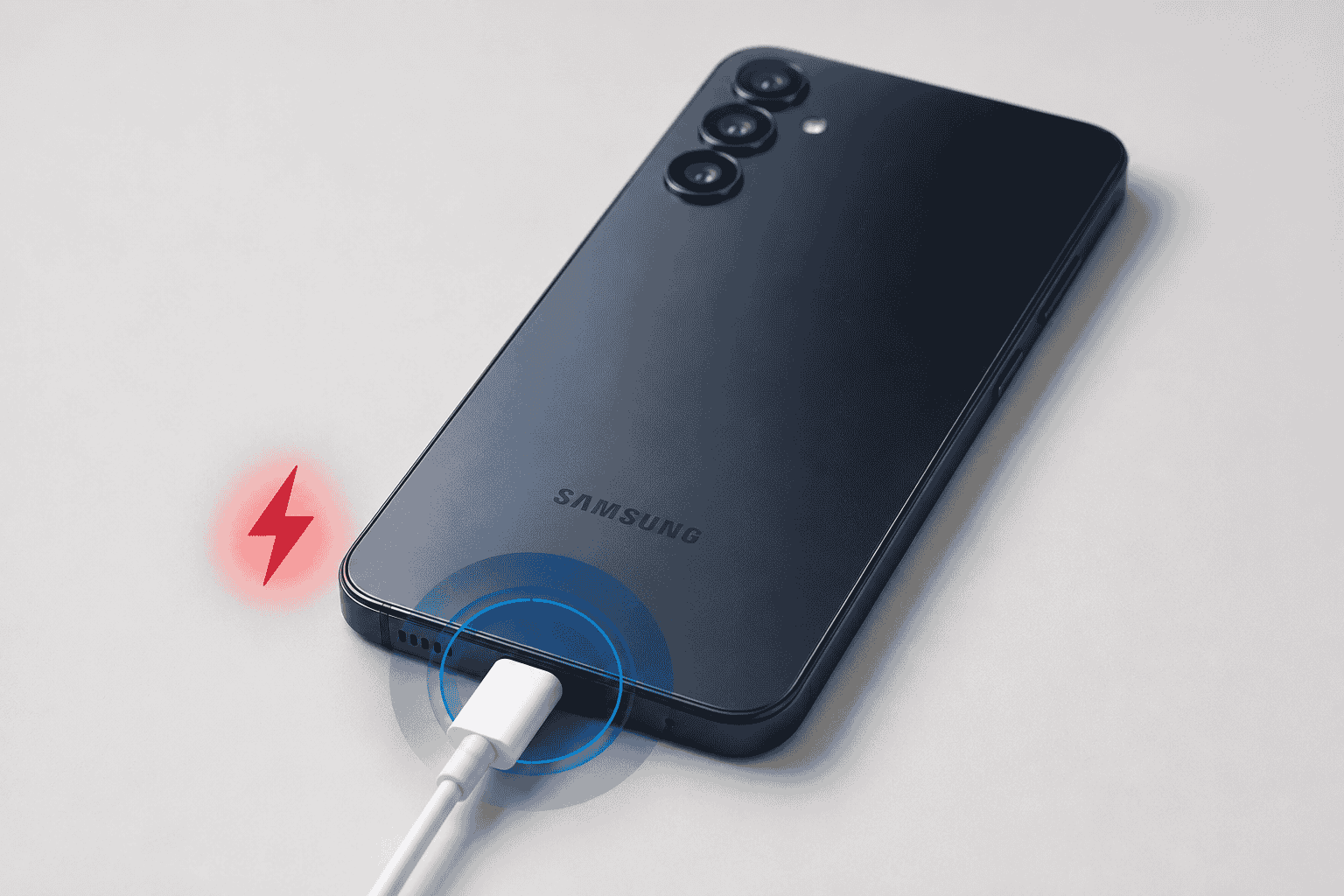
Your Samsung A16 sits on the charger, the cable feels snug, and yet the battery percentage hasn’t moved in ten minutes. Charging trouble is one of the top reasons A16 owners walk through our door.
The good news is that “not charging” almost never means the phone is dead for good. Most of the time it’s something small, a bit of lint in the port, a worn-out cable, or a software setting, and only occasionally is it the kind of hardware issue that needs a technician. Here’s how to tell which one you’re dealing with.
Why Is My Samsung A16 Not Charging?
Before you start troubleshooting, it helps to know what’s actually causing the problem. In our experience, these are the usual suspects, roughly in order of how often we see them:
- Lint or debris in the charging port. Pocket dust and fabric fibers pack into the port over time and physically block the connector pins from making contact.
- A worn or damaged cable. USB-C cables take a beating from bending near the connector, and a cable that “mostly” works is one of the most common charging complaints we see.
- A weak or incompatible charger. Off-brand or underpowered adapters can charge the phone painfully slowly, or not trigger a charge at all.
- Software settings. Battery optimization, a stuck charging animation, or a background app can occasionally make the phone act like it isn’t charging when it actually is.
- Liquid exposure. Even a small splash can trip the phone’s internal moisture sensors and block charging as a safety measure. If your A16 took a splash before this started, our guide on what to do if you dropped your phone in water for 2 seconds covers what’s actually happening inside the phone and what to check for over the next day or two.
- A damaged charging port or battery. After a drop, or simply after a couple of years of daily use, the port connector or battery itself can wear out and need replacing.
Quick Fixes to Try Before You Call a Technician
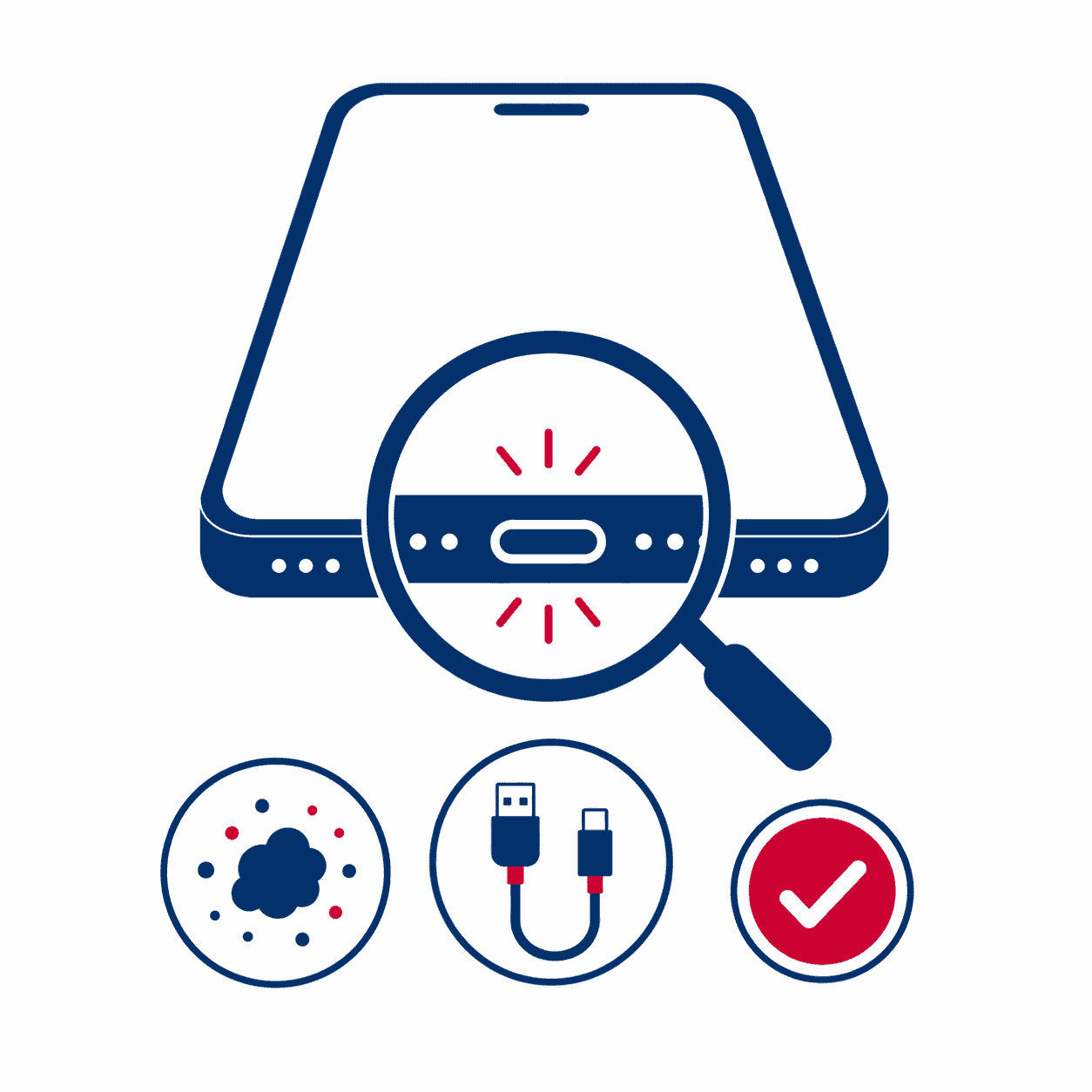
Work through these in order. Most charging issues get solved somewhere in the first three steps.
- Look inside the charging port. Use a flashlight to check for lint, sand, or debris. Gently clear it out with a dry, soft-bristled brush or a can of compressed air held at a slight angle. Never insert a pin, needle, or paperclip, it’s easy to bend the internal pins and turn a five-minute fix into a real repair.
- Swap the cable and the wall adapter separately. Test with a different cable on the same charger, then the same cable on a different charger. This isolates which part is actually failing.
- Restart the phone. A simple reboot clears out software hiccups that can occasionally interfere with the charging process.
- Check for a moisture or liquid warning. If your phone shows a “charging port liquid detected” style message, don’t force a charge. Let it air dry fully in a spot with good airflow before trying again.
- Watch how the cable sits in the port. If it only charges when you hold the cable at a certain angle or push it in a specific direction, that’s usually a sign of a loose or damaged port connector rather than a cable problem.
One more thing worth mentioning: if you’re heading into Settings to check your battery options but the screen isn’t responding to your taps at all, that’s a separate issue from charging. We cover that specifically in our guide on Samsung A16 touch screen not working.
What NOT to Do When Your A16 Won’t Charge
| Don’t Do This | Why It Backfires |
|---|---|
| Poke the port with a metal object ❌ | The connector pins inside are thin and easy to bend. Once they’re bent, the port often needs full replacement instead of a simple cleaning. |
| Force-charge a hot phone ❌ | If the phone feels warm near the port while “charging,” unplug it. Continuing to charge a phone that’s overheating stresses the battery further. |
| Ignore a moisture warning ❌ | Charging through a wet port accelerates corrosion on the connector pins, turning a quick dry-out into an actual repair. |
| Keep using a fraying or bent cable ❌ | A damaged cable can deliver inconsistent power, and in rare cases, that inconsistency can damage the charging circuit over time. |
Tip from the bench
Nine times out of ten, when someone brings in an A16 that “won’t charge,” we find the actual problem in under a minute with a flashlight, either lint jammed deep in the port or bent pins from a previous DIY cleaning attempt with a pin or needle. If a gentle brush and a cable swap don’t fix it, stop trying to force it, that’s your sign the port needs a proper look.
Signs the Charging Port Itself Is the Problem
If you’ve cleaned the port and tried a different cable and charger and nothing’s changed, these signs point to a hardware issue rather than something you can fix at home:
- The phone only charges when the cable is held at a specific angle or under pressure
- The port feels loose, wobbly, or the cable doesn’t click in like it used to
- You can see corrosion, discoloration, or bent pins inside the port
- The phone gets unusually warm near the charging port during use, plugged in or not
- A “moisture detected” message keeps appearing even after the phone has had time to fully dry
If your A16 also took a drop recently and the screen is cracked, dim, or unresponsive along with the charging issue, you’re likely dealing with two separate repairs. Our Samsung Galaxy A16 5G screen replacement guide breaks down what that fix costs on its own, so you know what you’re looking at before bringing it in.
Still Won’t Charge? Get a Free Diagnostic.
We’ll tell you exactly what’s wrong before touching your phone, port cleaning, cable testing, or a full port replacement if needed. Below-average pricing, 90-day warranty, and most repairs done while you wait.
When It’s Time to Let a Professional Handle It
A charging port repair is a precise job, the connector is small, tightly soldered, and easy to damage further if you’re not set up for it. When an A16 comes to our bench for a charging issue, we test the port, cable, and battery separately so you’re not paying to replace a part that was never actually the problem.
Most charging port repairs are completed the same day, backed by our 90-day limited warranty against defects. We also match any local competitor’s published price on the same repair and beat it by $10.
Not near Wesley Chapel, Holiday, or Hudson? Our mail-in repair service lets you ship your A16 in from anywhere in the USA. We diagnose it, fix it, and send it back within 2–4 business days with free standard return shipping, or choose next-day return delivery for a small added fee.
Visit a Gizmo Pros Location in Florida
Bring your Samsung A16 to any of our three Florida shops for a free diagnostic, no appointment needed. Most port cleanings and cable-related fixes are done same-day.
📍 Wesley Chapel
📍 Holiday
📍 Hudson
Frequently Asked Questions
Why is my Samsung A16 charging so slowly instead of not at all?
Slow charging is usually a weaker cause than a total failure to charge, most often an underpowered charger, a worn cable, or background apps drawing power while you charge. Try the phone’s included charger and cable first, and close power-hungry apps before assuming it’s a hardware problem.
Can I clean the charging port myself?
Yes, carefully. A dry, soft-bristled brush or a short burst of compressed air held at an angle is safe. Avoid metal objects like pins or paperclips, since bending the internal connector pins turns a simple cleaning into an actual port replacement.
How much does it cost to fix a Samsung A16 charging port?
Cost depends on whether the port simply needs cleaning or needs to be replaced. Bring it in for a free diagnostic and we’ll give you a straight price before doing any work, and we’ll match any local competitor’s published price and beat it by $10.
Does the Samsung A16 support fast charging?
Yes, the A16 supports fast charging with a compatible adapter, though the exact wattage it accepts depends on the specific model. Using the original charger or a certified equivalent will always give you the most reliable results.
How do I know if it’s the cable or the phone that’s the problem?
Test the same cable on a different phone, or a different cable on your A16. If the cable works fine elsewhere but your phone still won’t charge, the issue is on the phone’s side, most likely the port or battery.
Can I mail in my Samsung A16 if I’m not near a Gizmo Pros location?
Yes. Our mail-in repair service accepts devices from anywhere in the USA. We diagnose and fix it, then send it back within 2–4 business days via free standard shipping, or choose next-day return delivery for a small fee.
Is a charging port repair covered by warranty?
Every repair at Gizmo Pros, including charging port replacements, comes with a 90-day limited warranty against defects across all three of our Florida locations: Wesley Chapel, Holiday, and Hudson.
Get Your Samsung A16 Charging Again
Free diagnostic. Below-average pricing. 90-day warranty. Visit us in Wesley Chapel, Holiday, or Hudson, or ship it in from anywhere in the USA.