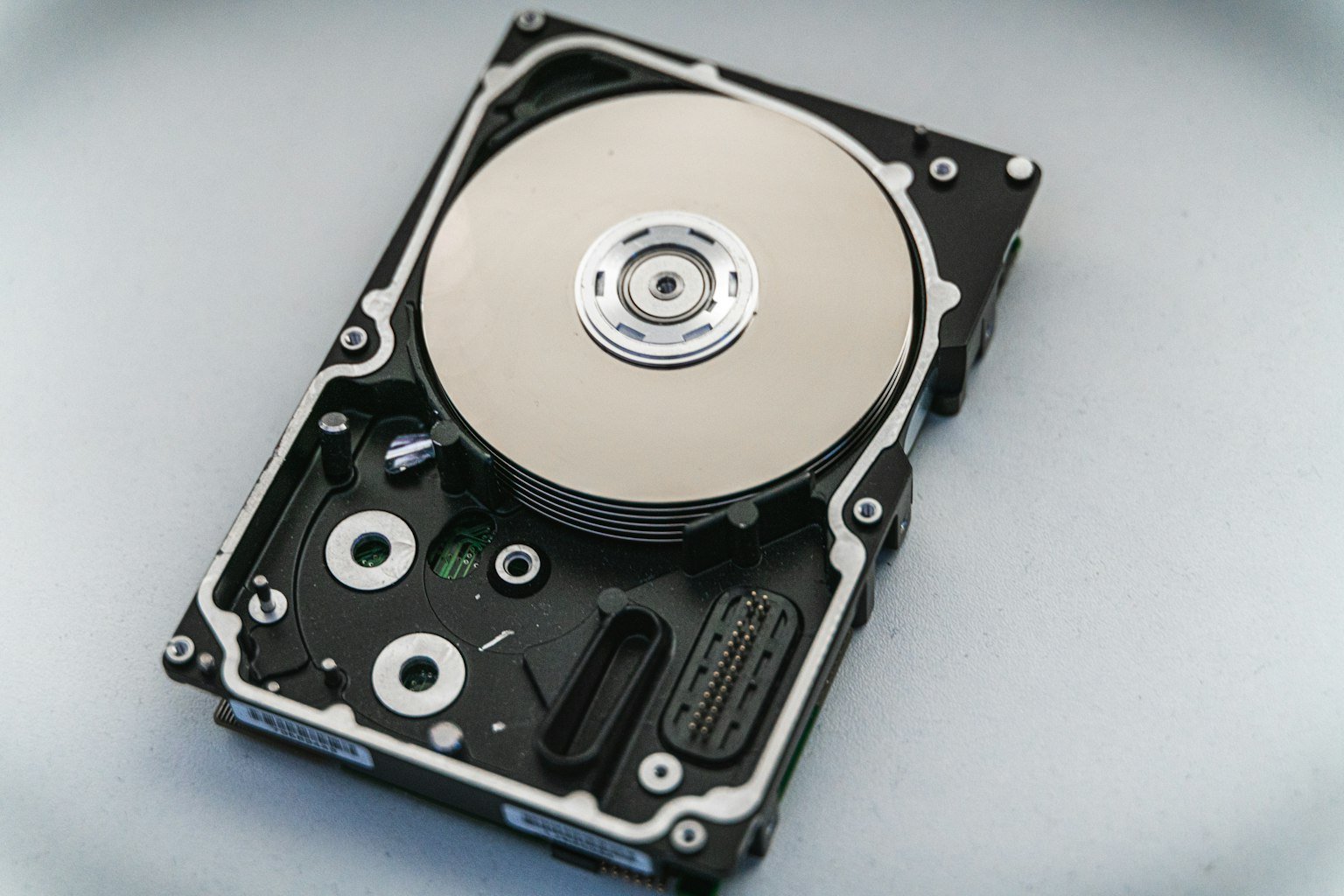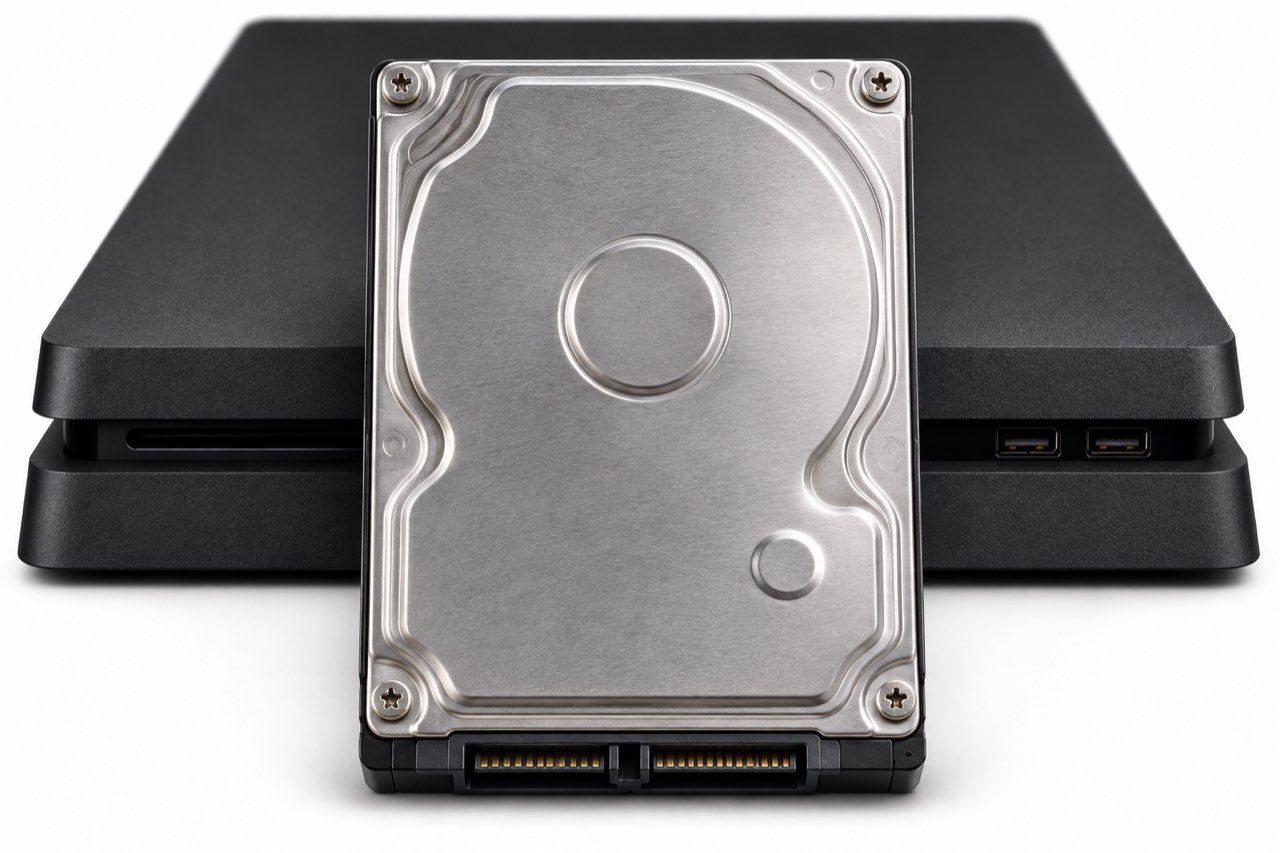
PS4 hard drive failure can show up as freezing across several games, recurring corrupted data errors, or a console that can no longer detect its internal storage. If you can still reach the home screen, copy your saves before running repairs. If the drive is repeatedly clicking and the console is hanging, shut it down and decide how much the unbacked-up data matters before turning it on again.
Signs your PS4 hard drive may be failing
One game crashing gives you a narrow problem to investigate. Freezes in the home menu, trouble loading several games from internal storage, and corruption that returns after a reinstall are common signs of hard drive failure.
| What you see | First check |
|---|---|
| One game freezes | Check whether other games load. If only a disc copy is affected, inspect the disc and try another one. |
| Games on USB storage fail | Shut down, unplug the external drive, and test a game installed on internal storage. |
| Menus freeze and several games report corruption | Copy your saves if the console stays responsive. Note whether the problems return after a database rebuild. |
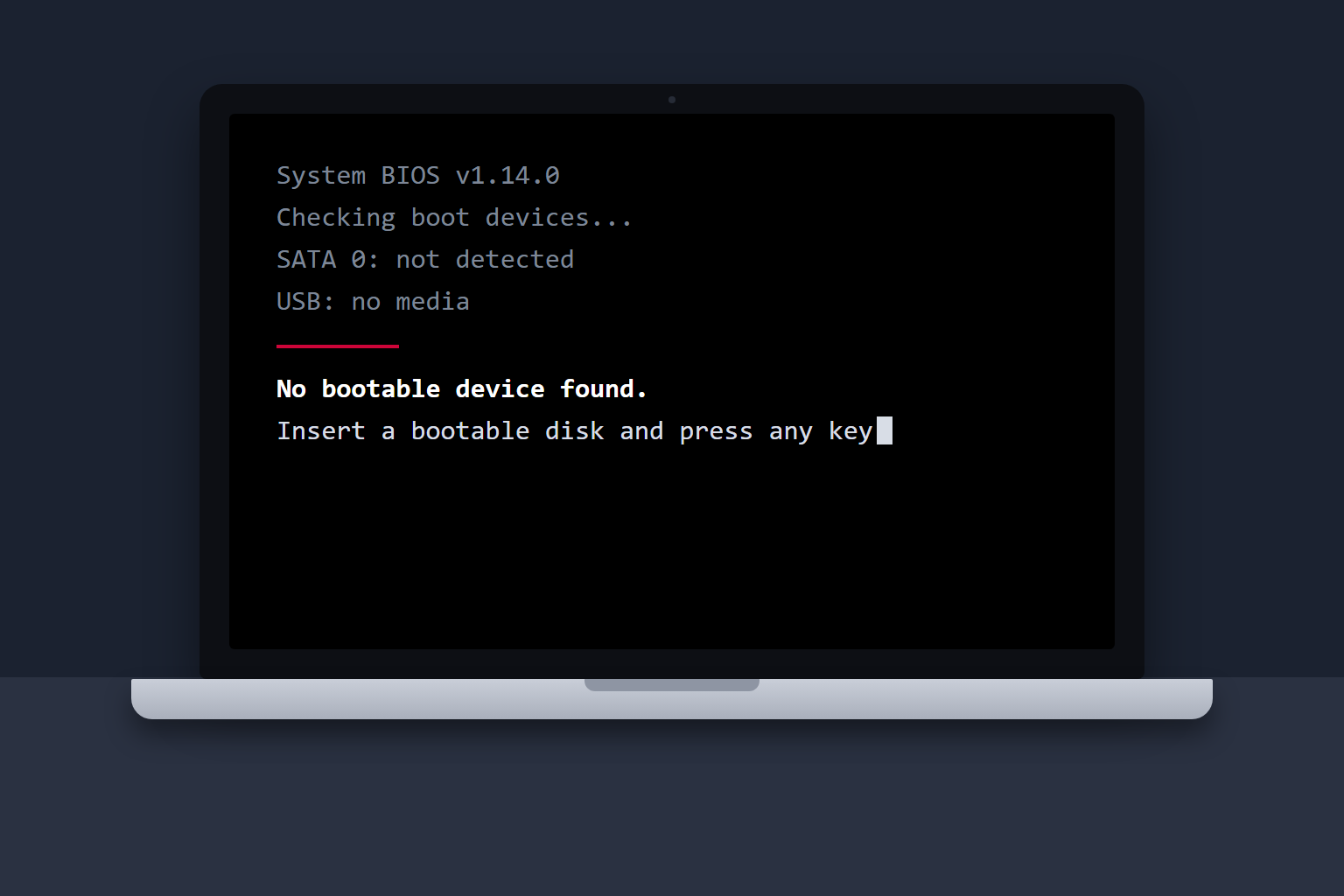
| Error CE-34335-8 | The console cannot detect its internal drive. With the PS4 off and unplugged, check that the drive is seated in its bay. |
If CE-34335-8 persists after reseating the drive, the drive or the console may need service. Testing with a known-good compatible drive can help narrow down the fault. PlayStation’s CE-34335-8 guidance
Save your progress before troubleshooting
If the drive is quiet and the PS4 stays on long enough, start with the saves you would miss most. Plug in a USB drive and go to Settings > Application Saved Data Management > Saved Data in System Storage > Copy to USB Storage Device. If you have PlayStation Plus, check the cloud copy dates and upload any newer saves while you can. A full system backup can include captures and other console data, but copying individual saves is a smaller job if the system is unstable. PlayStation’s PS4 backup guide
Repeated clicking from the drive bay, especially when paired with failed boots, is a reason to stop. If the noise comes from an attached USB drive, see what beeping or clicking from an external hard drive can mean. If the console will not start and your only copy is on the internal drive, keep it intact and ask about hard drive diagnosis and recovery before attempting a reset. The condition of the drive will determine what can be recovered.
When to try Rebuild Database
After backing up, try a database rebuild if the drive is detected and the console has trouble loading its library or menus. Turn the PS4 fully off, hold the power button until the second beep, then connect the controller with a USB data cable. Choose 5. Rebuild Database. It scans the storage and recreates the index the console uses to find its content. If corruption or freezes return across games, have the drive tested or replace it. PlayStation’s Safe Mode options
Before you initialize: Safe Mode options 6 and 7 erase user data. If you are installing a replacement, keep the old drive intact until your saves are restored.
Replace the internal drive and reinstall PS4 software
- Find the model number. Use Sony’s instructions for your original PS4, PS4 Slim, or PS4 Pro. The bay cover and bracket access vary. Choose a compatible 2.5-inch SATA drive that fits the bracket. PlayStation’s model-specific drive replacement instructions
- Prepare the installer. On a FAT32 or exFAT USB drive, create a folder named
PS4and anUPDATEfolder inside it. Download the PS4 reinstallation file from Sony and save it asPS4/UPDATE/PS4UPDATE.PUP. Sony also offers a smaller update file for consoles that already have system software installed. - Install the software on the new drive. After fitting the drive, connect the USB stick, start in Safe Mode, and choose 7. Initialize PS4 (Reinstall System Software). Follow the prompts, sign in to the same account, and restore the saves you copied to USB or cloud storage. PlayStation’s system software reinstallation guide
If the same detection error appears with a known-good, properly seated drive, have the console checked before buying another replacement. If the drive is detected and the installer cannot find the file, check the USB format, the folder names, and whether you downloaded the reinstallation file first.