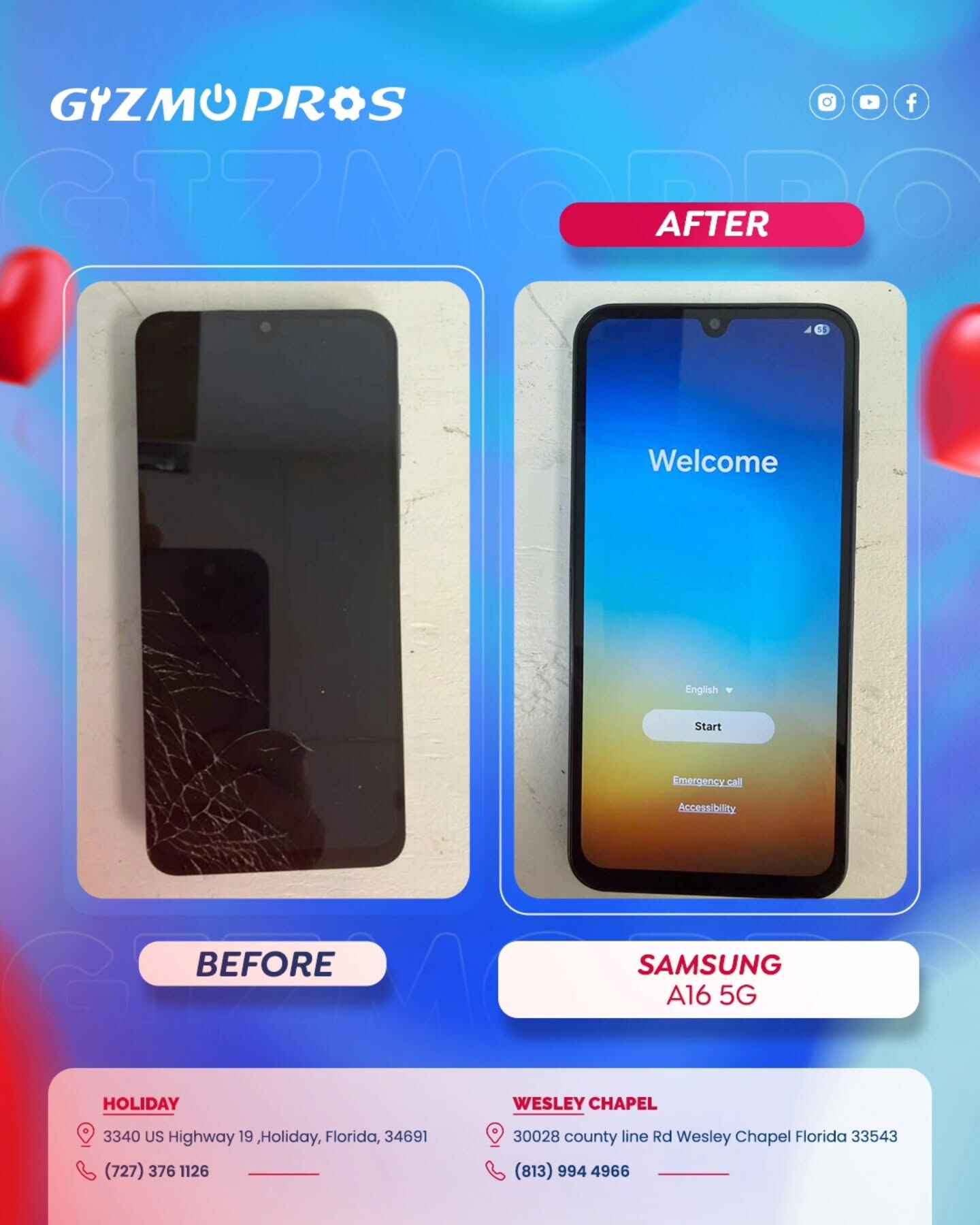
Touch screen complaints on the A16 follow a pretty predictable pattern once you know what to look for. Most of the time, it’s something you can rule out in five minutes at home. Sometimes it’s a sign the digitizer itself needs replacing. Here’s how to tell which one you’re dealing with.
Why Is My Samsung A16 Touch Screen Not Working?
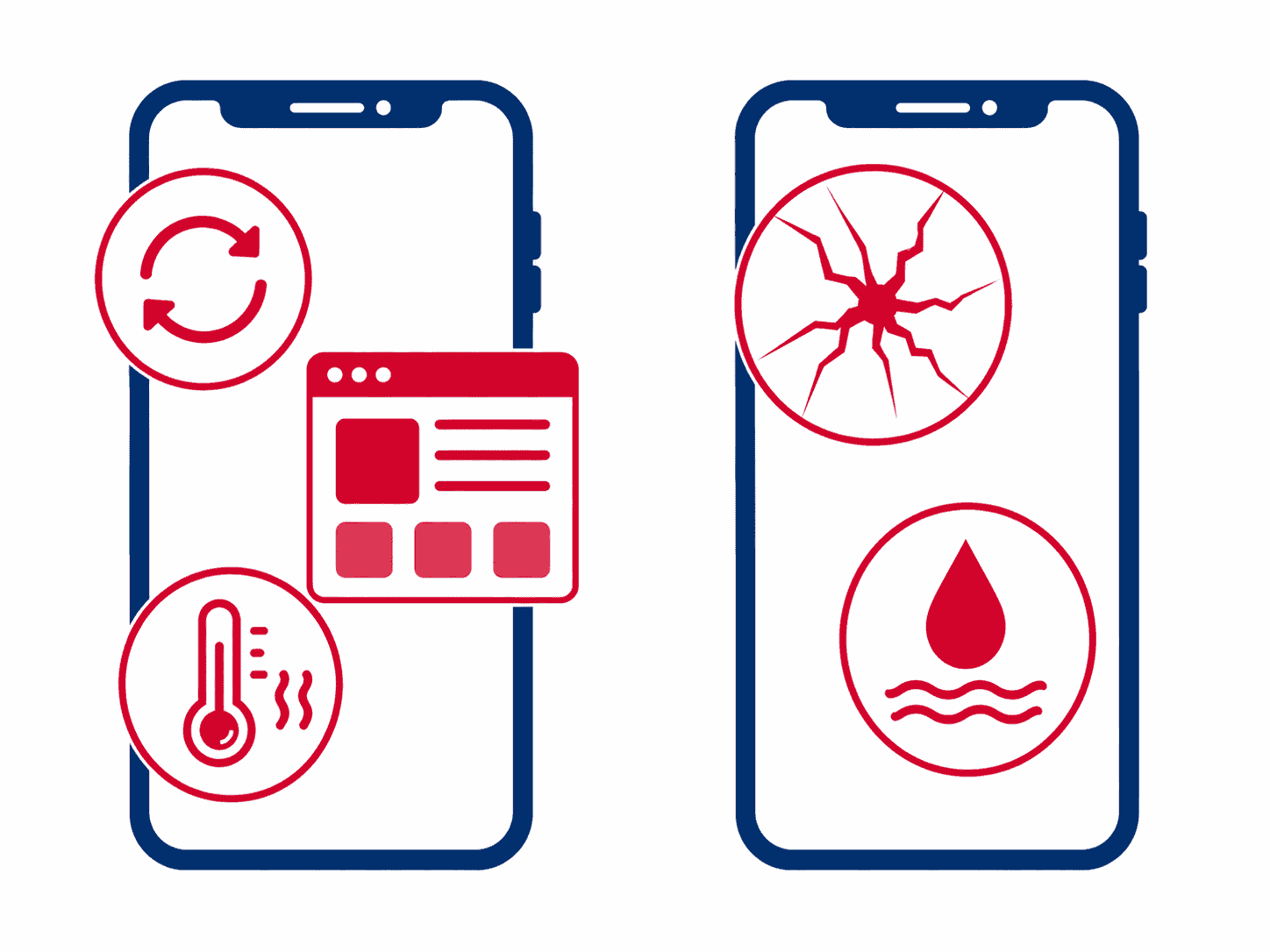
There are really only two buckets here: something is confusing the touch sensor from the outside, or the digitizer (the layer under the glass that actually reads your finger) is damaged or malfunctioning. Here’s what falls into each.
Software and External Causes (Usually Fixable at Home)
- A cheap or peeling screen protector: Bubbles, lifted edges, or a low-quality protector can throw off the touch sensor’s calibration, especially near the edges of the screen.
- A case pressing on the screen edges: Some cases sit slightly too high or trap moisture against the glass, which can cause the edges to misread touches.
- A frozen or crashed app: If only one app is unresponsive but the rest of the phone works fine, that’s a software freeze, not a hardware problem.
- A buggy software update: One UI updates occasionally introduce touch-related bugs, particularly right after a major Android version update.
- Overheating: The A16 can get warm during long gaming sessions or while charging and using it at the same time, and touch response can lag or drop out until it cools down.
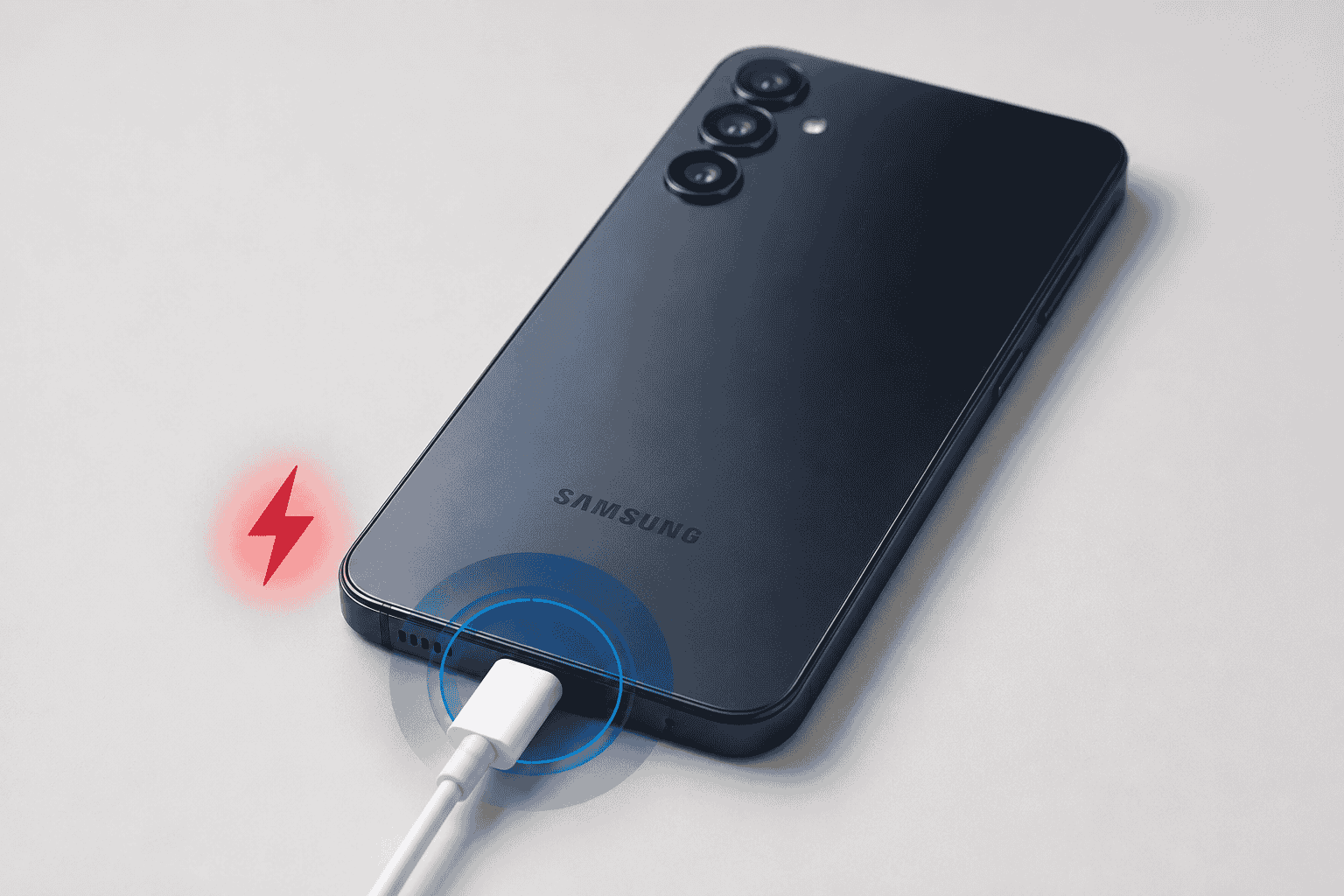
- Charging while using it: Cheap or damaged chargers and cables can introduce electrical interference that causes ghost touches while plugged in.
- A dirty screen or wet fingers: Capacitive touchscreens read electrical signals from your skin, and a film of oil, water, or sweat can genuinely interfere with that.
Hardware Causes (Need a Technician)
- A cracked screen or damaged digitizer from a drop, even if the crack itself looks minor.
- Water or moisture that reached the display assembly and is shorting out part of the touch sensor.
- A loose display connector inside the phone, often from a previous drop or repair.
- A failing digitizer from age or a manufacturing defect, which shows up as dead zones or intermittent unresponsiveness with no obvious cause.
How to Fix a Samsung A16 Touch Screen That’s Not Responding
Work through these in order. Most people find the problem in the first three steps.
- Remove the case and screen protector: Clean the actual glass with a dry microfiber cloth and test the touch response without either one. This alone fixes a surprising number of “broken screen” complaints.
- Force restart the phone: Press and hold the Power button and Volume Down button together for about 10 seconds until it reboots. This clears a frozen touch driver without wiping any data.
- Unplug it before testing: If the ghost touching only happens while charging, the problem is your cable or charger, not the phone. Try a different, certified cable.
- Boot into Safe Mode: Hold the Power button, then press and hold “Power off” until Safe Mode appears. If the touchscreen behaves normally in Safe Mode, a third-party app is the culprit, uninstall anything you added recently.
- Check for a software update: Go to Settings > Software update > Download and install. Samsung has pushed touch-related fixes in past One UI patches.
- Let it cool down: If the phone feels warm, set it down, close background apps, and give it 15-20 minutes before testing again.
- Back up your data, then factory reset as a last resort: Go to Settings > General management > Reset > Factory data reset. If touch issues persist after a full reset with nothing else installed, you’re looking at a hardware problem.
Tip from the bench
The fastest way to tell software from hardware: check if the unresponsive spots always show up in the exact same location on the screen. Software glitches tend to move around or affect the whole display randomly. A digitizer problem almost always maps to the same dead zone every time, often right where a crack or drop impact happened.
Symptom-to-Cause Quick Reference
| What You’re Seeing | Likely Cause | Try This First |
|---|---|---|
| No response anywhere on screen | Frozen system or crashed touch driver | Force restart |
| Only certain areas won’t respond | Screen protector, or a cracked digitizer | Remove protector, inspect glass closely |
| Taps register on their own (ghost touch) | Bad protector, static, charger interference, or digitizer damage | Unplug charger, remove protector, restart |
| Touch feels laggy or delayed | Overheating, low battery, or background apps | Let it cool, close apps, restart |
| Started right after a drop or crack | Digitizer or display assembly damage | Skip DIY, get it inspected |
| Started right after a spill or splash | Moisture reaching the touch sensor | Power off, dry out, don’t charge yet |
When It’s Actually a Hardware Problem
If you’ve gone through every step above, including a full reset, and the touch issue is still there, it’s not a software glitch anymore. A few tells that point straight to hardware:
Dead zones that stay in the exact same spot every time, unresponsive areas that line up with a visible crack, or a screen that lost touch function entirely right after a drop are all signs the digitizer or its connector took physical damage. On the A16, the display and digitizer are fused into a single assembly, so once that layer is compromised, there’s no software fix that reaches it.
If the glass is cracked or the dead zones map to visible impact damage, you’re looking at a Samsung Galaxy A16 5G screen replacement rather than a repair you can troubleshoot around. It’s a straightforward job on this model and usually a same-day fix.
If you also notice a dark patch or circle spreading from the area where the touch problems are worst, that’s a different but related symptom worth reading up on, we cover it in our guide on how to deal with a black circle or dead spot on an Android screen.
And if the touch problems started right after your phone got splashed, dropped in a sink, or caught a couple seconds of rain, don’t assume the screen is toast just yet. Moisture reaching the digitizer can cause exactly this kind of erratic touch behavior, and how you handle the first few minutes matters. Our guide on what to do if your phone was in water for a couple of seconds walks through it step by step.
Touch Screen Still Not Working? Get a Free Diagnostic.
We’ll tell you straight whether it’s a quick fix or a screen replacement, no guessing games, no upsell. Below-average pricing, 90-day warranty, and most Galaxy A16 repairs done same-day. Visit us in Wesley Chapel, Holiday, or Hudson, or mail your phone in from anywhere in the USA.
When to Skip the DIY and See a Technician
If you’ve cleared out software as the cause and the dead spots aren’t budging, there’s no home fix that gets you further. Trying to force it, pressing harder, tapping repeatedly, or opening the phone yourself, usually just risks turning a screen replacement into a more expensive repair.
When a Galaxy A16 comes across our bench for touch issues, we run a full diagnostic first: check the digitizer response across the whole panel, inspect for hairline cracks you might not see with the naked eye, and confirm whether the display connector is seated properly before ever recommending a replacement. You get a straight answer on what’s actually wrong before you spend a dollar. Most screen replacements on this model are done the same day, and every repair leaves with our 90-day limited warranty against defects. We also match any local competitor’s published price on the same repair and beat it by $10.
Not near one of our shops? Our mail-in repair service lets you ship your Galaxy A16 in from anywhere in the country. We diagnose it, fix it, and send it back within 2–4 business days with free standard return shipping. Next-day return is available for a small added fee if you’re in a hurry.
Visit a Gizmo Pros Location in Florida
Bring your Galaxy A16 to any of our three Florida shops for a free diagnostic, no appointment needed. Most touch screen and display repairs are done same-day.
📍 Wesley Chapel
📍 Holiday
📍 Hudson
Frequently Asked Questions
Why is my Samsung A16 touch screen not responding to touch?
Most often it’s a screen protector, a case pressing on the edges, or a frozen app, all fixable in a couple of minutes. If the unresponsive area stays in the exact same spot every time, or the problem started after a drop or spill, it’s more likely a damaged digitizer that needs a professional look.
Can a screen protector really cause touch issues?
Yes, more often than people expect. A protector with a lifted edge, trapped bubble, or low-quality adhesive can throw off how the touch sensor reads your finger, especially near the edges of the screen. Peel it off and test before assuming the worst.
Will a factory reset fix a Samsung A16 touch screen problem?
It can, if the cause is software-related, like a buggy app or a corrupted system file. Back up your data first. If the touch issue is still there after a clean reset with no apps reinstalled, that confirms it’s a hardware problem, not something a reset can solve.
How much does it cost to fix a Samsung A16 touch screen?
It depends on whether the issue is software (usually free to resolve yourself) or hardware. If the digitizer or glass is damaged, you’re looking at a full screen replacement. Our Samsung Galaxy A16 5G screen replacement page has the current pricing and turnaround time, and our guide on how much it costs to fix an Android phone screen breaks down what drives the price up or down across different models.
What is “ghost touching” and why is it happening?
Ghost touching is when your phone registers taps, swipes, or keystrokes you never made. It’s usually caused by a bad screen protector, static electricity, a low-quality charging cable, or in more stubborn cases, digitizer damage. Unplug the charger and remove the protector as your first troubleshooting step.
Can I mail in my Samsung A16 if I’m not near a Gizmo Pros location?
Yes. Our mail-in repair service accepts devices from anywhere in the USA. Ship it in, we diagnose and fix it, and send it back within 2–4 business days via free standard return shipping. Next-day return delivery is available for a small added fee.
Do you offer a warranty on touch screen repairs?
Every repair at Gizmo Pros comes with a 90-day limited warranty against defects, valid across all three of our Florida locations, Wesley Chapel, Holiday, and Hudson.
Not Sure If It’s Software or Hardware? We’ll Tell You for Free.
Free diagnostic. Below-average pricing. 90-day warranty. Most Galaxy A16 repairs done same-day in Wesley Chapel, Holiday, and Hudson, or ship it in from anywhere in the USA.