If your external hard drive is beeping, the first thing to do is stop plugging it in and out. Most drives do not have a speaker. The sound you are hearing is almost always the drive itself, either struggling to get enough power or failing mechanically, and every extra power-up can make a mechanical problem worse.
That sounds alarming, but the drive is not always dying. Below is what the beeping usually means, what is safe to try, and where to stop so your files stay recoverable.
Why an external hard drive beeps
A normal hard drive spins up with a quiet hum and then goes silent apart from a faint whir. A beep, a rhythmic tick, or a repeating chirp means something is going wrong during that start-up. There are really only four causes worth caring about:
- Not enough power. The drive tries to spin up, the port cannot supply enough current, the motor stalls, and it tries again. Over and over. That cycle often sounds like a beep.
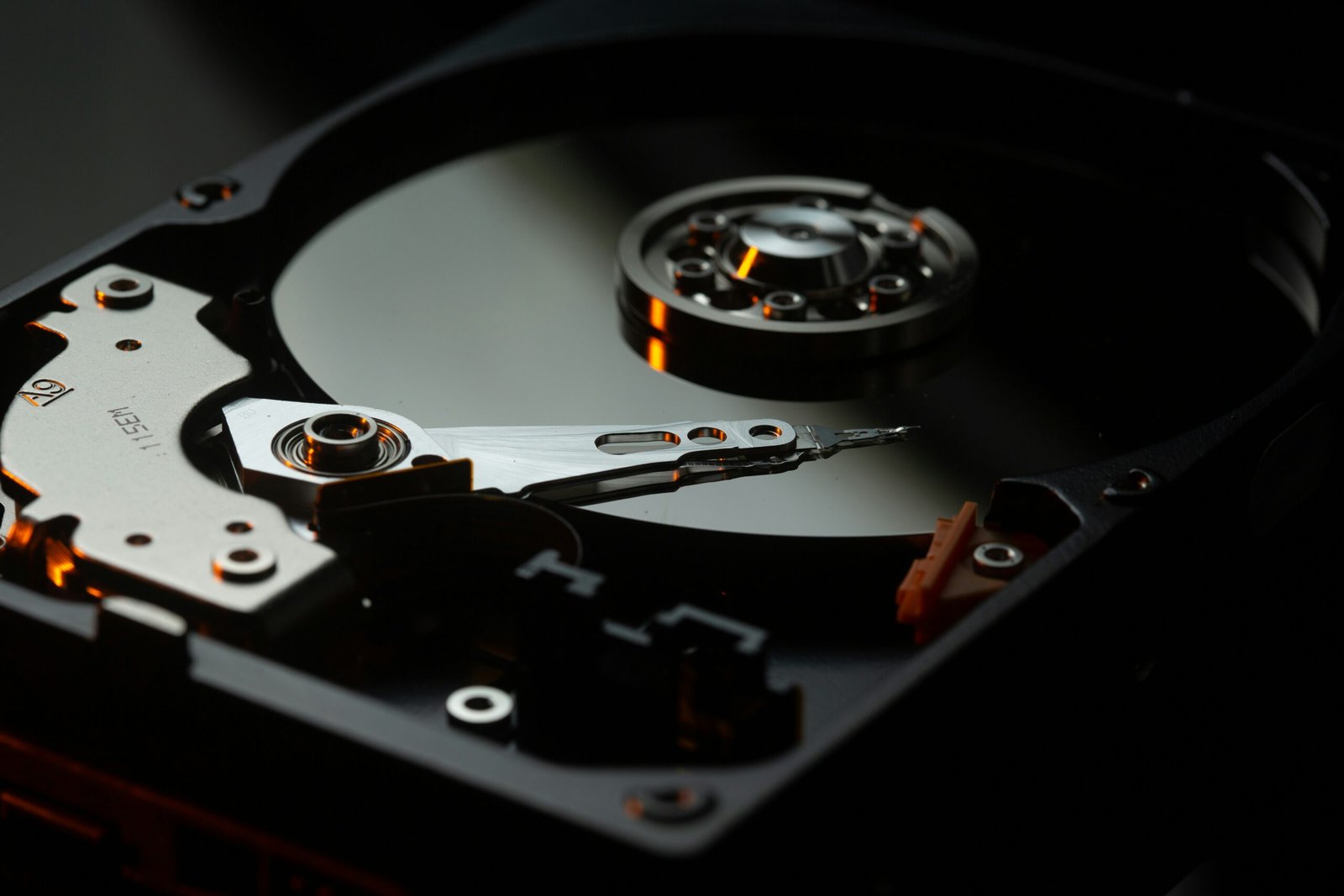
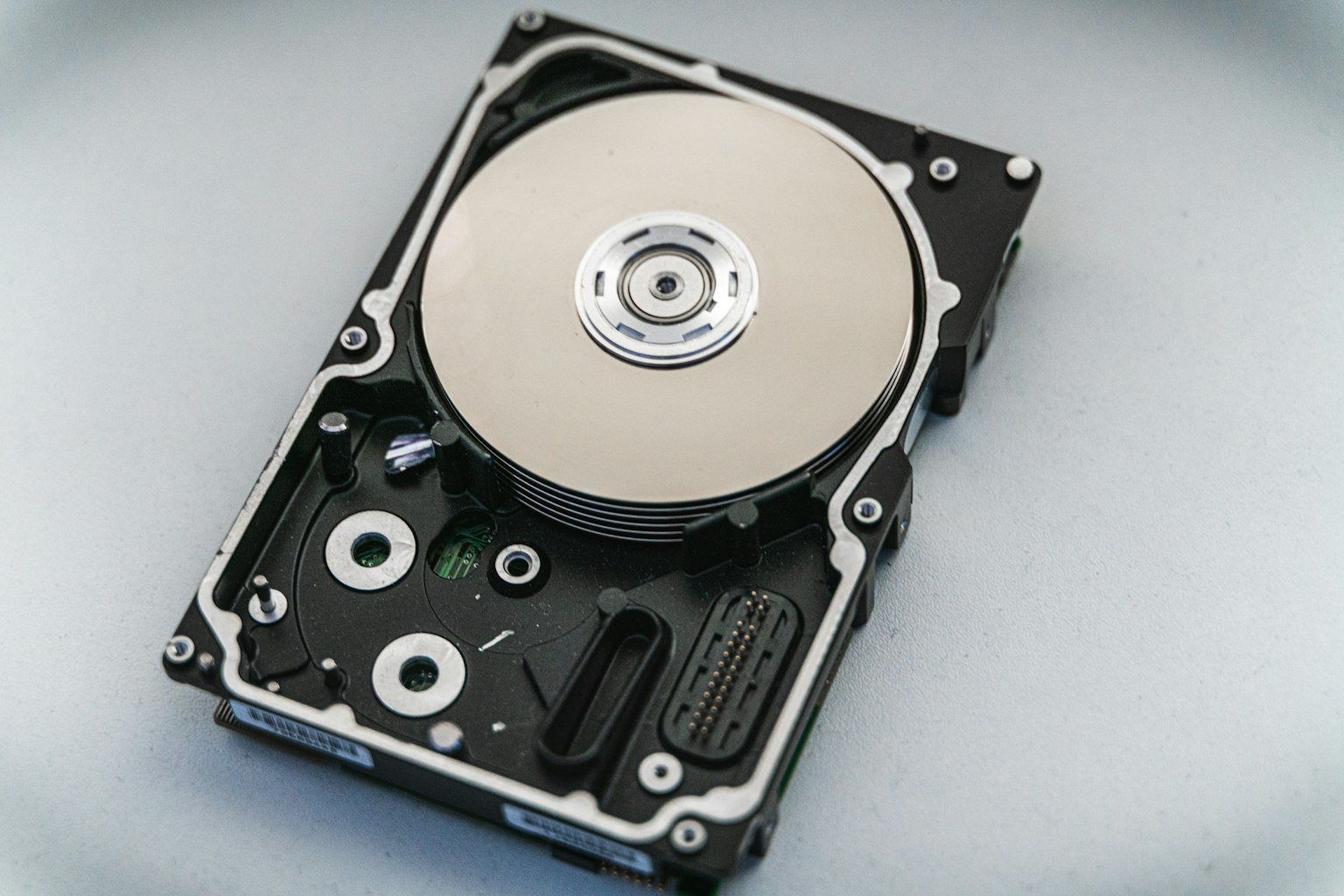
- The read/write heads cannot find their position. The heads are the tiny arms that read your data. If they are stuck, misaligned or damaged, the drive keeps trying to reset them and you hear a repeating beep or click.
- A damaged motor or bearing. The platters will not spin up properly, so the drive cycles between trying and giving up.
- An alarm from the enclosure. This is the one case where the box really does make a sound on purpose. It mostly applies to multi-bay and RAID enclosures, which beep for overheating, a failed disk or a degraded array.
The pattern of the sound usually tells you which one you have.
What kind of beeping are you hearing?
The pattern matters more than the volume. This table is a rough guide from what we see at the bench, not a diagnosis. It tells you how careful to be.
| What you notice | Most likely cause | What to do |
|---|---|---|
| Beeps or ticks in a steady rhythm right after plugging in, drive never appears | Low power, or heads stuck on the platters | Try a different port and cable once. If it keeps beeping, stop. |
| Beeps, then the drive appears and disappears | Weak power, a bad cable, or a failing USB board | Swap the cable, use a port on the back of a desktop, and copy your files off immediately if it holds. |
| Beeping with clicking, scraping or grinding | Mechanical failure inside the drive | Unplug it now and do not power it on again. This needs a professional. |
| Beeping started right after a drop or knock | Damaged heads or a stuck motor | Do not power it on. Powering a damaged drive can scratch the platters. |
| Repeated alert beeps from a multi-bay or RAID box | Overheating, a failed disk or a degraded array | Check the enclosure’s status lights and manual. Do not pull disks or rebuild without a backup. |
One more case catches people out. On Windows, a drive that keeps dropping off and reconnecting plays the “device connected” chime again and again, and it sounds like beeping coming from the drive. If that is what you hear, the cause is the same as in the second row: a drive that cannot hold a stable connection.
Beeping right after you plug it in
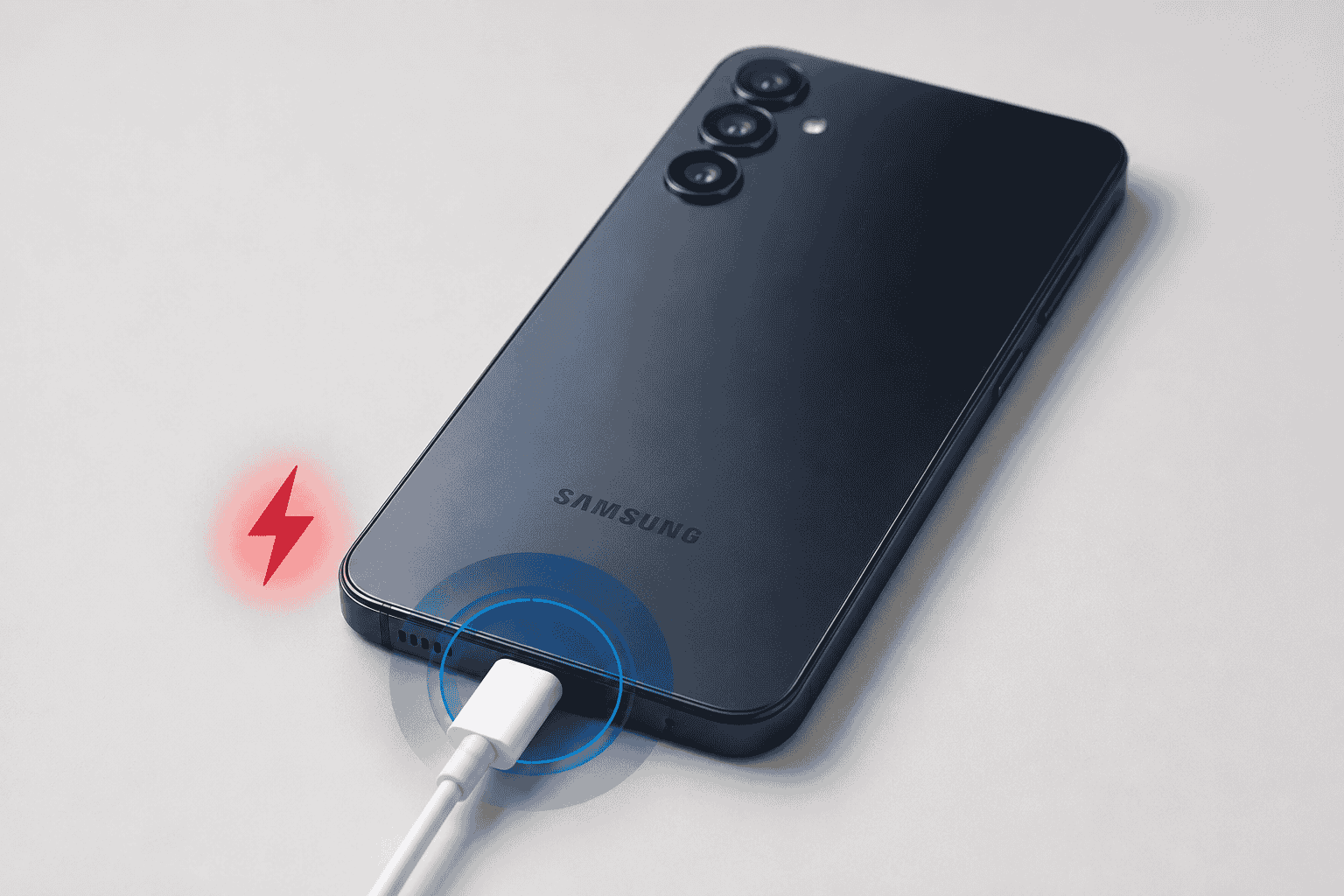
This is the classic case, and it is where low power is most common. Many portable drives take all of their power from the USB cable. Older laptop ports, unpowered USB hubs, front-panel ports on a desktop, and long or worn cables can all fall short.
Try these in order, and stop as soon as the beeping continues:
- Unplug the drive and wait about 30 seconds.
- Use a different cable. A cable that is half-working is one of the most common causes we see.
- Plug straight into the computer, not a hub or dock. On a desktop, use a port on the back of the case.
- If the drive came with a power adapter, make sure it is plugged in and is the original adapter for that drive. A wrong or failing adapter gives the same symptom.
- Try a second computer, if you can.
If the drive spins up quietly and shows up on any one of these steps, the problem was power. Copy anything important off it right away, because a drive that struggled once is worth backing up.
Beeping, clicking or grinding after a drop
If the beeping started after the drive fell, got knocked off a desk, or was moved while spinning, power it off and leave it off. A drop can jolt the read/write heads onto the platter surface. Powering it up again can drag them across the data and make a recoverable drive unrecoverable.
This also applies if the beeping comes with clicking, scraping or a grinding sound, even without a drop. Mechanical noise means a part inside is failing. Our guide on hard drive failure symptoms covers the other warning signs, such as freezing, files vanishing and the drive slowing to a crawl, if you are not sure how far gone yours is.
You will find advice online to freeze the drive, tap it, or open the case. Don’t. Opening a drive outside a clean room lets in dust, and dust on the platters is permanent damage.
Beeping and not recognized or not showing up
When a drive beeps and your computer never shows it, the computer is not the problem. The drive is not getting far enough through its start-up to announce itself. Disk Management on Windows or Disk Utility on a Mac will show nothing useful, because the drive never finishes spinning up.
The most important rule here: if your computer ever offers to format, initialize or repair the drive, say no. Those prompts rewrite the drive’s structure, and they are what turns a recoverable situation into a lost one.
If the drive is quiet but simply not showing up, that is a different and often easier problem. Often it is the enclosure or the port, not the drive inside. You can also try the drive on another machine before drawing conclusions.
Seagate, WD, Toshiba and other brands
Seagate comes up the most when people search for this, mostly because Seagate sells so many portable drives (the Expansion, Backup Plus and One Touch lines, for example). I have no reason to think they beep more than anyone else’s. The causes and fixes above apply the same way to Western Digital, Toshiba, Samsung, LaCie, Maxtor and Iomega drives, because the mechanical parts inside are built on the same basic design.
A few brand details do help:
- Seagate and WD portable drives are bus-powered, so a weak port is the first thing to rule out.
- Desktop drives such as the WD My Book use a separate power adapter. A failing adapter can cause start-up beeping on its own, so test with the original one.
- LaCie, G-Technology and other multi-bay units can beep as an actual alert. Check the status lights and the manufacturer’s manual. Western Digital’s support site is a good place to look up your model.
- Older Iomega and Maxtor drives are well past their expected life, so beeping on one of those is much more likely to be real wear.
Beeping on a PS4, PS5 or Xbox
A drive used for console storage gets a harder life than one sitting on a desk. It runs hot, it gets moved, and it spins up and down every time the console starts. When it beeps, the first suspect is still power and the cable.
- Plug the drive into a USB port on the console itself, not a hub or the front of a stand.
- Try the cable that came with the drive, or a short, good-quality one.
- Test the drive on a PC. If the PC also hears beeping, the drive is the problem and not the console.
- Do not accept a prompt to format it if you have games or saves you care about. Formatting wipes it.
We see console storage drives regularly, and our Xbox Series S troubleshooting guide covers some related connection issues. If the drive will not work on a PC either, treat it like any other beeping drive and stop powering it on.
When to stop and get help
The rule is simple. If you have tried a different cable, a different port and, if possible, a second computer, and the drive still beeps, stop. Every additional power-up is a gamble on a drive that is already struggling.
It is especially important to stop when:
- the beeping comes with clicking, scraping or grinding,
- the drive was dropped or knocked,
- the drive never appears on any computer, or
- the files on it are not backed up anywhere else.
A beeping drive is not necessarily a lost drive. Recovery depends on how little the drive has been run since the problem began, and the people who get their files back are usually the ones who stopped early.
We look at drives for free at all three of our Pasco County shops, and the diagnostic tells us whether it is the cable, the enclosure, the electronics or the drive itself. You can bring it to us in Wesley Chapel, Holiday or Hudson, and the details of what we do are on our hard drive repair and data recovery page.
Not near our Florida locations? Ship it to us instead.
If you are outside Wesley Chapel, Holiday or Hudson, you can mail the drive in. Pack it with plenty of padding, and do not power it on again before it ships.
How to avoid losing data next time
External drives wear out, and a single copy of a file on a single drive is not a backup. A few habits make the next scare much less painful.
- Keep two copies of anything important. A second drive or a cloud backup is the simplest way.
- Eject the drive before you unplug it. Pulling it mid-write can corrupt files.
- Move it gently. A spinning drive does not like being carried or bumped while it runs.
- Replace old drives before they fail. Backblaze publishes real-world drive failure statistics that show how much failure rates vary by model and age.
If you want the technical background on why drives fail, Wikipedia has a solid article on hard disk drive failure.
Frequently asked questions
Why is my external hard drive beeping when I plug it in?
Most often it is low power or a failing cable, which makes the motor stall and retry. If a different cable and port do not fix it, the drive may have a mechanical fault, and you should stop plugging it in.
Is a beeping external hard drive dying?
Not always. Beeping from a weak port or a bad cable goes away when you change them. Beeping with clicking, grinding, or after a drop usually points to real damage inside the drive.
Can I fix a beeping external hard drive myself?
You can safely test the cable, the port and the power adapter. You should not open the drive, freeze it, or run repair or format tools on it. Those steps tend to make recovery harder.
Why is my Seagate external hard drive beeping and not recognized?
The drive is not finishing its start-up, so the computer never sees it. It usually means a power problem or a mechanical fault. If it does not appear after changing cable, port and computer, power it off and have it looked at.
Will I lose my files?
Not necessarily. Files are often recoverable if the drive has not been run much since the problem started. Avoid formatting it, avoid repeated power cycling, and get it checked before you try anything more.
Why does my PS4, PS5 or Xbox drive beep?
The cause is usually the same as on a computer, which is power or the cable. Test the drive on a PC to find out whether the drive or the console is at fault.